I’m happy to announce the release of LaunchCuts, a powerful, customizable, and elegant launcher for shortcuts on iOS. Built entirely as a shortcut with over 2,600 action steps, LaunchCuts lets you organize your shortcuts into folders manually or automatically generate lists of them using keywords.
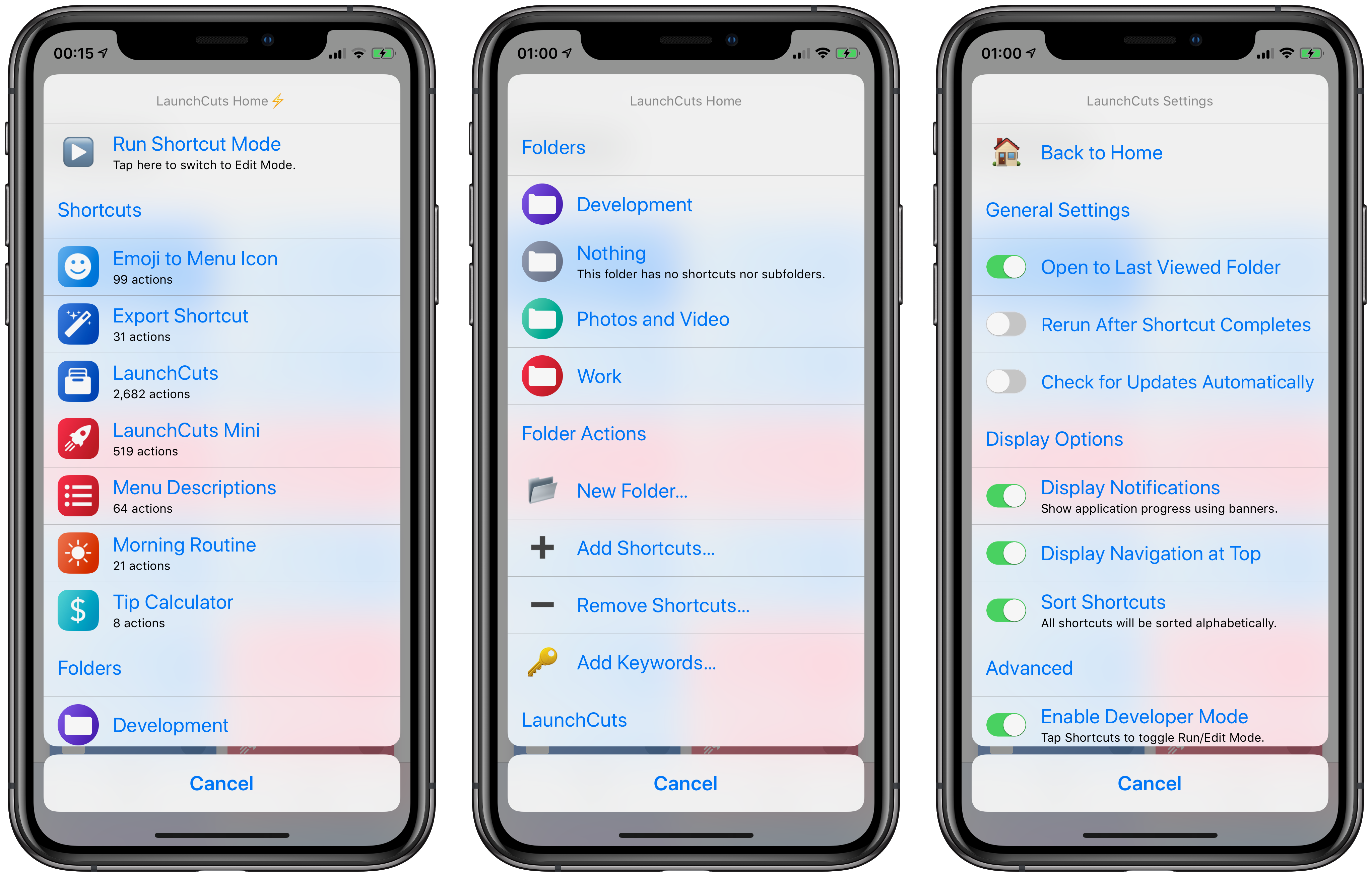
- Folders: Create a nested folder hierarchy for storing your shortcuts.
-
Keywords: Use keywords to automatically populate your folders with shortcuts whose name contains your keyword phrases.
-
Interface: LaunchCuts sports an elegant interface that shows off the colors and icons of your shortcuts and folders.
-
Sort: Arrange your shortcuts alphabetically or in the order they were organized within the Shortcuts app.
-
Share Sheet: Want to access your LaunchCuts folders and shortcuts from the iOS Share sheet? Install the included LaunchCuts Mini shortcut and get a fast, lean interface to LaunchCuts when sharing.
-
Rerun: Chain together multiple shortcuts by having LaunchCuts run again after selecting a shortcut. The output from the first shortcut becomes the input for the next shortcut.
-
Import and Export: Save and import your folder settings.
-
Per Device Caching and Configuration: iOS devices connected to the same iCloud account share the same set of folders, but preferences are separate.
-
Developer Mode: Switch between running and editing your shortcuts.







 tow.com
Leave a comment