
This article is for Apple Developers who are having difficulty updating their credit card on file when renewing their Apple Developer Program account.
Anyone who wants to get started with developing apps for iPhone, iPad, Mac, AppleTV, Apple Vision Pro, or Apple Watch, can do so for free with just an Apple ID. If you want to be able to distribute or sell apps on the App Store, however, you’ll need to join the Apple Developer Program for $99/year.
I created my Apple Developer account many years ago, and I think I’m stuck in some kind of limbo state where my credit card information is stored in some forgotten part of Apple’s backend systems. I recently saw this alert after logging into my account:
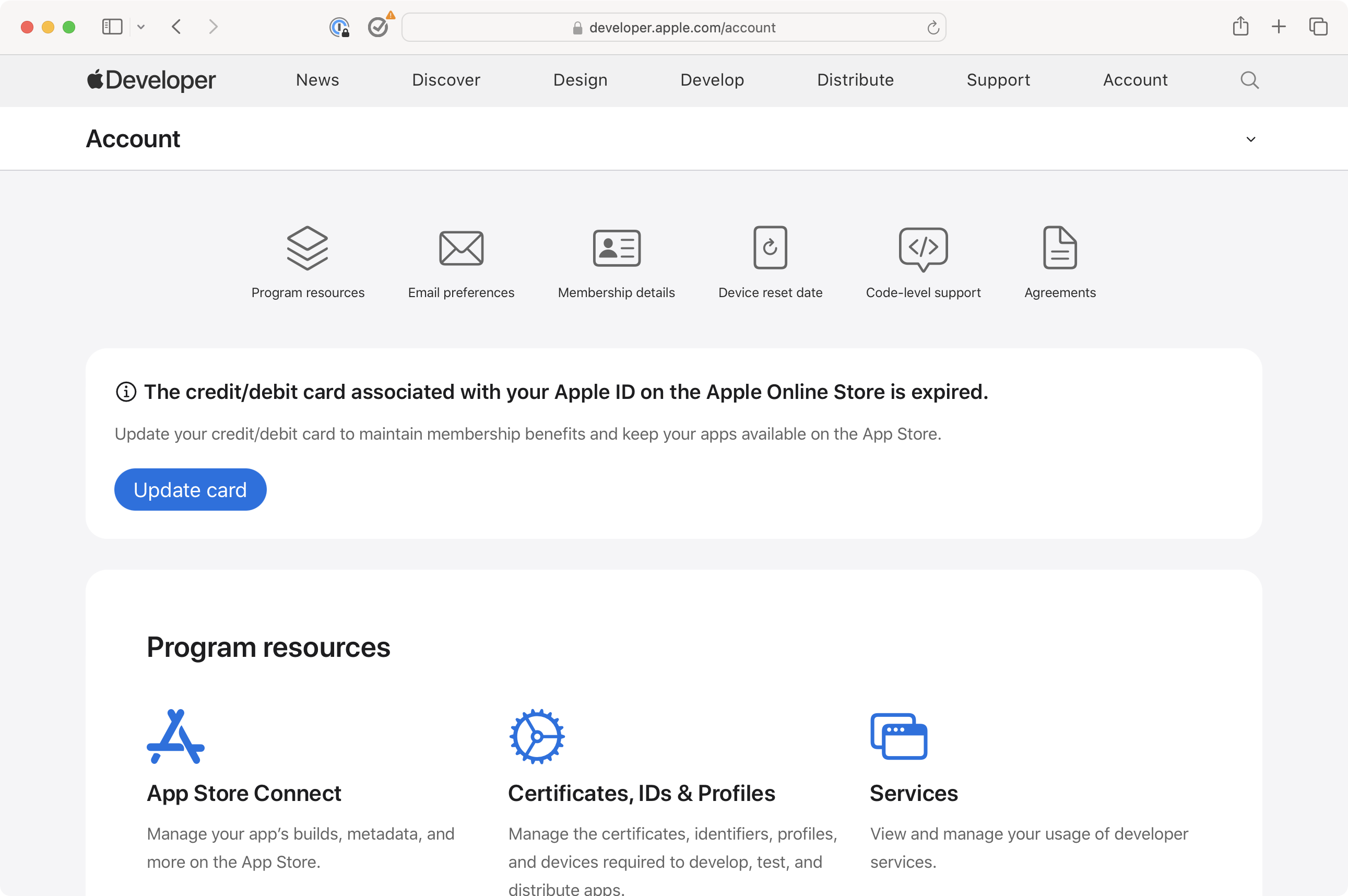
The credit/debit card associated with your Apple ID on the Apple Online Store is expired.
Update your credit/debit card to maintain membership benefits and keep your apps available on the App Store.
Updates that don’t stick
Clicking on the Update Card button took me to the Apple ID Manage page. I could then click on the Payment & Shipping to see a list of all of my credit cards on file with Apple. Yet, even after updating the one card that I thought was expired with the new expiration date and verification code, I was still seeing the warning atop the Apple Developer Account page.
I posted on an iOS Developer Slack community about this, and was told that it might take a few days for the update to take effect. Unfortunately, a week later, the alert was still there, which raised my internal alarm bells even further.
Finding a workaround
After some more internet sleuthing and digging, I found this thread from 2019 on StackExchange which described a workaround. It involves going to an older Apple Store url:
Once you’ve logged in, there is a section under Account Settings for setting your default payment method:

As you can see in the screenshot above, the expiration date on the Apple Card is incorrect. Clicking Edit allowed me to enter the new expiration date for my Apple Card. On my Apple ID page, the Apple Card listed was up-to-date, so there’s clearly a disconnect between what this website is storing versus what the Manage Apple ID page has on record.
All resolved for now
Going back to the Apple Developer Account website, the warning has now disappeared. I’m confident that my developer account will be renewed without incident later this week and that my apps in the App Store won’t suddenly disappear.
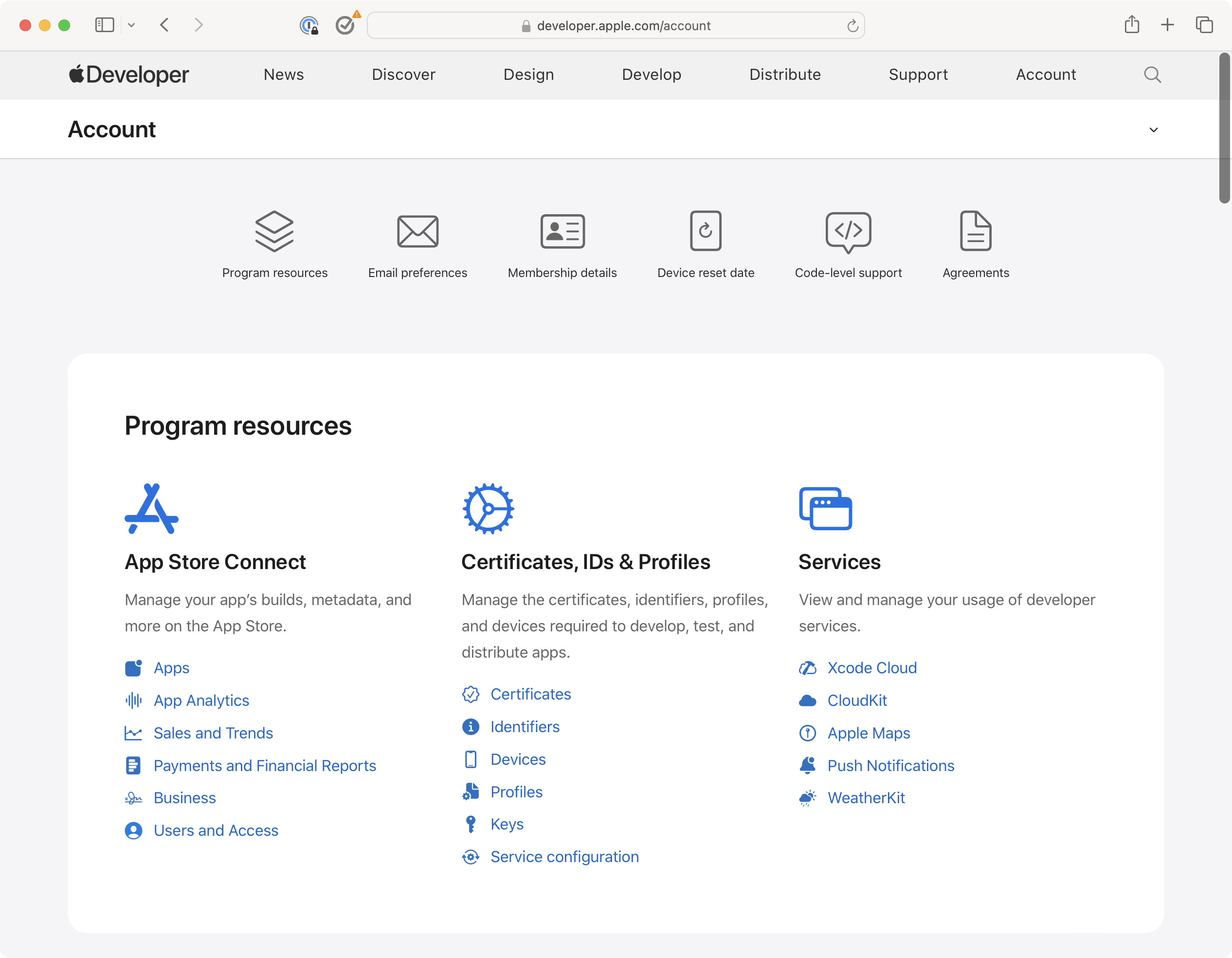
So, if you’re an Apple Developer and you see this warning, try this tip to update your credit card information if the normal route of doing it through the Manage Apple ID method does not work.








 tow.com
Leave a comment