Raise your hand if you still carry a physical wallet and keychain full of keys today? If so, this article is for you. I will cover what you need to do to replace your physical cards and keys with their digital equivalents.
What’s in your Wallet?
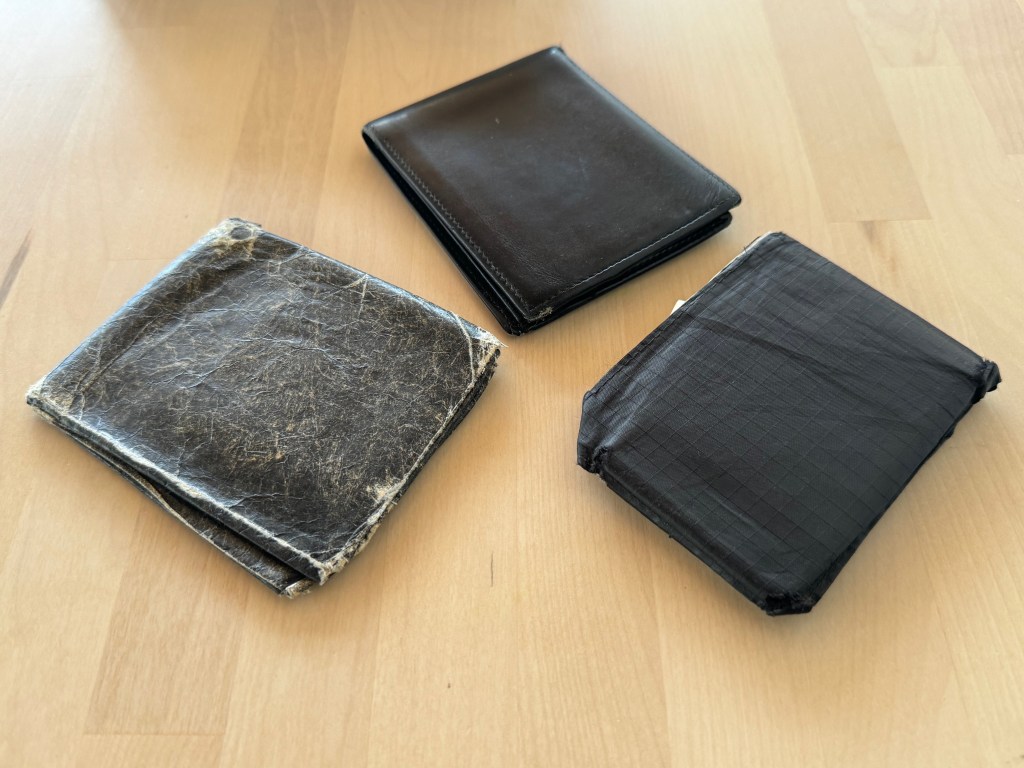
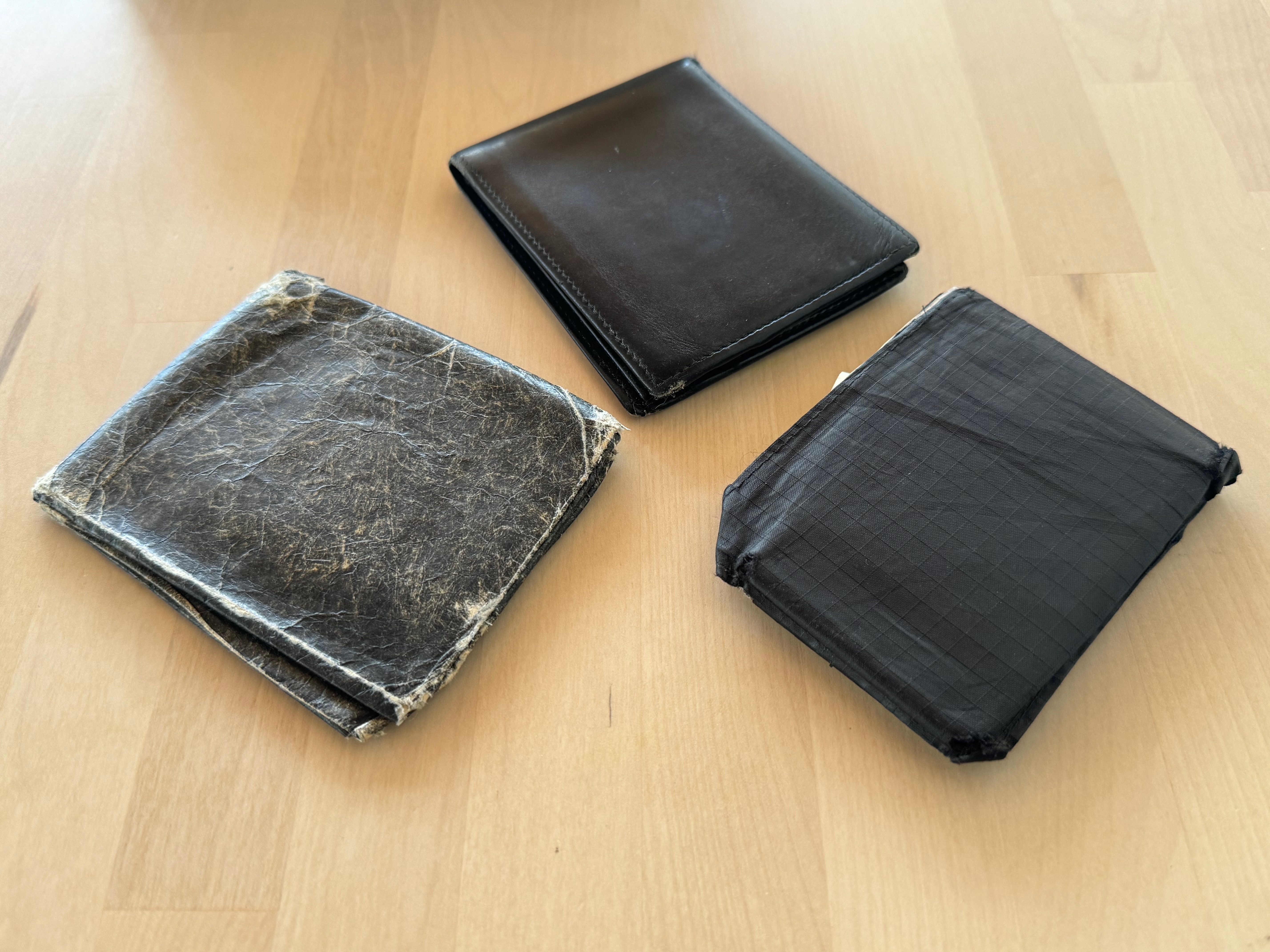
I don’t remember the exact year when I first starting using a wallet, but I know that I’ve had several over the years. From leather wallets to wallets made out of Tyvek, I’ve carried a wallet for decades. Apple is but one company out of many trying to get consumers to, if not ditch the physical wallet, at least have digital equivalents on their phones, tablets, watches, and other devices.
I recently took stock of everything that I have in my wallet, and I realized that I had digital versions of nearly everything:
- Driver’s License
- Credit cards
- Medical card
- Dental card
- Insurance card
The only things that I have that I can’t replicate digitally are:
- Cash
- A customer loyalty card
- A credit-card sized multi-tool
Let’s go through each of these items and see what I can fully replace digitally and what I still need to carry.
Driver’s License
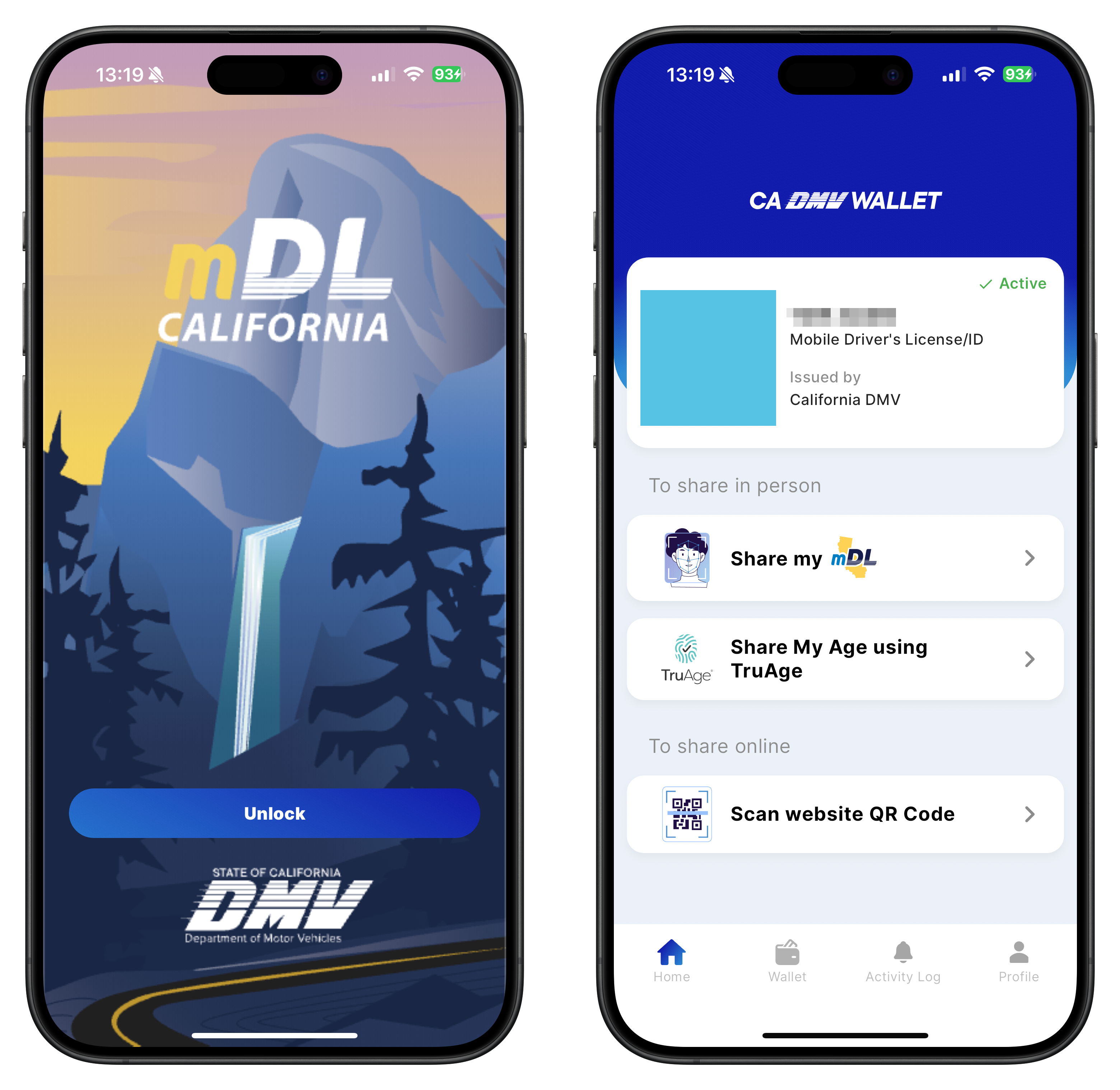
I live in California, and there is the CA DMV Wallet app on the App Store that can create a Mobile Driver’s License (mDL) digital credential. While this can be used as an official state-issued ID for the purposes of going through the TSA line at an airport, you are still required to carry the physical driver’s license with you. Boo hoo. Secondly, this digital driver’s license cannot be added to Apple Wallet. At the time of this article’s writing, Arizona, Colorado, Georgia, Maryland, and Ohio are the only states that support adding their driver’s license to Apple Wallet.
Rumor has it that California may be next on the list, with some beta users from the DMV testing it with Apple’s Wallet app.
Update: August 15, 2024: Apple and California announced CA drivers licenses are coming soon to Apple Wallet.
Update: September 19, 2024: California Driver’s Licenses are now supported in Apple Wallet.
Credit Cards and Money
I remember when I was an exchange student living in Paris, France. I had with me traveler’s cheques, bills (which were physically larger than my wallet), a Credit Lyonnais debit card and lots of coins. Today, I can do almost all of my buying using Apple Pay.
Apple Pay works with many credit and debit cards from banks worldwide. It was one of the first uses of Apple Wallet (known as Passbook when it came out) that I took advantage of. According to Apple, Apple Pay is accepted at over 85 percent of retailers in the U.S. I use it mostly with my Apple Watch to pay for items at the grocery store or certain restaurants, and it’s a bummer whenever I go to one of those stores making up that 15 percent that don’t support Apple Pay. Boo hoo again.
In addition to my credit cards, I have an Apple Cash account, but I find that I rarely use it because most people use services like Venmo, PayPal, and Zelle instead of Apple Cash.
Transit Cards
I tend to take Caltrain whenever I need to go up to the City. For that, I use a Clipper card. I can easily add money to it directly from the Wallet app on my iPhone. One downside, however, is that you cannot have the same Clipper card on both your iPhone and Apple Watch at the same time. You can have two different Clipper cards, but then you have to manage accounts and remember which one you used when tapping off at the station.
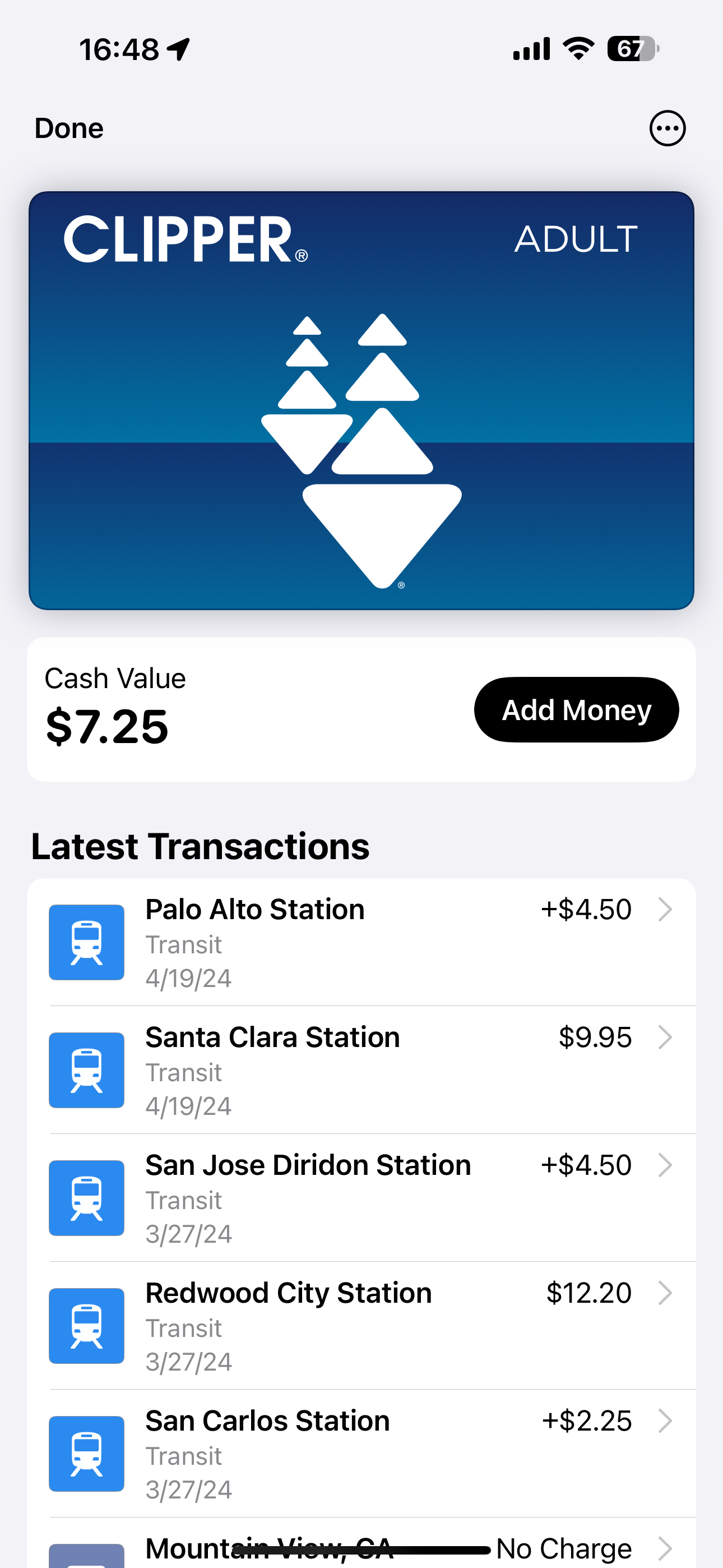
The digital version of the Clipper card supports Express Mode, which means I don’t have to open up the Wallet app on my iPhone when tapping on the Clipper terminal at the station. The device automatically senses and provides my Clipper card information.
I also have a transit card for the Washington Metropolitan Area Transit Authority (WMATA) that I got the last time I traveled to our nation’s capitol.
Insurance
My car insurance provider offers Apple Wallet integration, so I no longer have to bring the physical card with me in my wallet. I also am a member of AAA, so if I desire, I can leave that card at home too because it’s on my iPhone and Apple Watch.
Medical and Dental
What’s great about my medical and dental insurance providers supporting Apple Wallet is that I can have the cards for my entire family in the Wallet app on my iPhone and Apple Watch. Imagine having to carry six or more cards in your wallet for each and every member of your family? You’ll have a wallet that’s absolutely huge and thick!
So, counting things up, I have my driver’s license, at least one credit card, and a bill or two that I should still bring with me. Everything else has a digital equivalent which means I don’t have to carry it with me anymore.
Keys
Digital Key for Car
For over a year, we’ve been the happy owners of a Hyundai IONIQ 6 electric vehicle (EV) that supports a digital key that can be added to Apple Wallet. I can use this digital key to lock, unlock, and start my vehicle.
The key fob for our car is, in my opinion, unnecessarily large, but I will say it is has several advantages over the digital key. The car senses the fob when you approach, unlocking the doors automatically. It has dedicated buttons to lock, unlock, open the trunk, and sound the panic alarm.
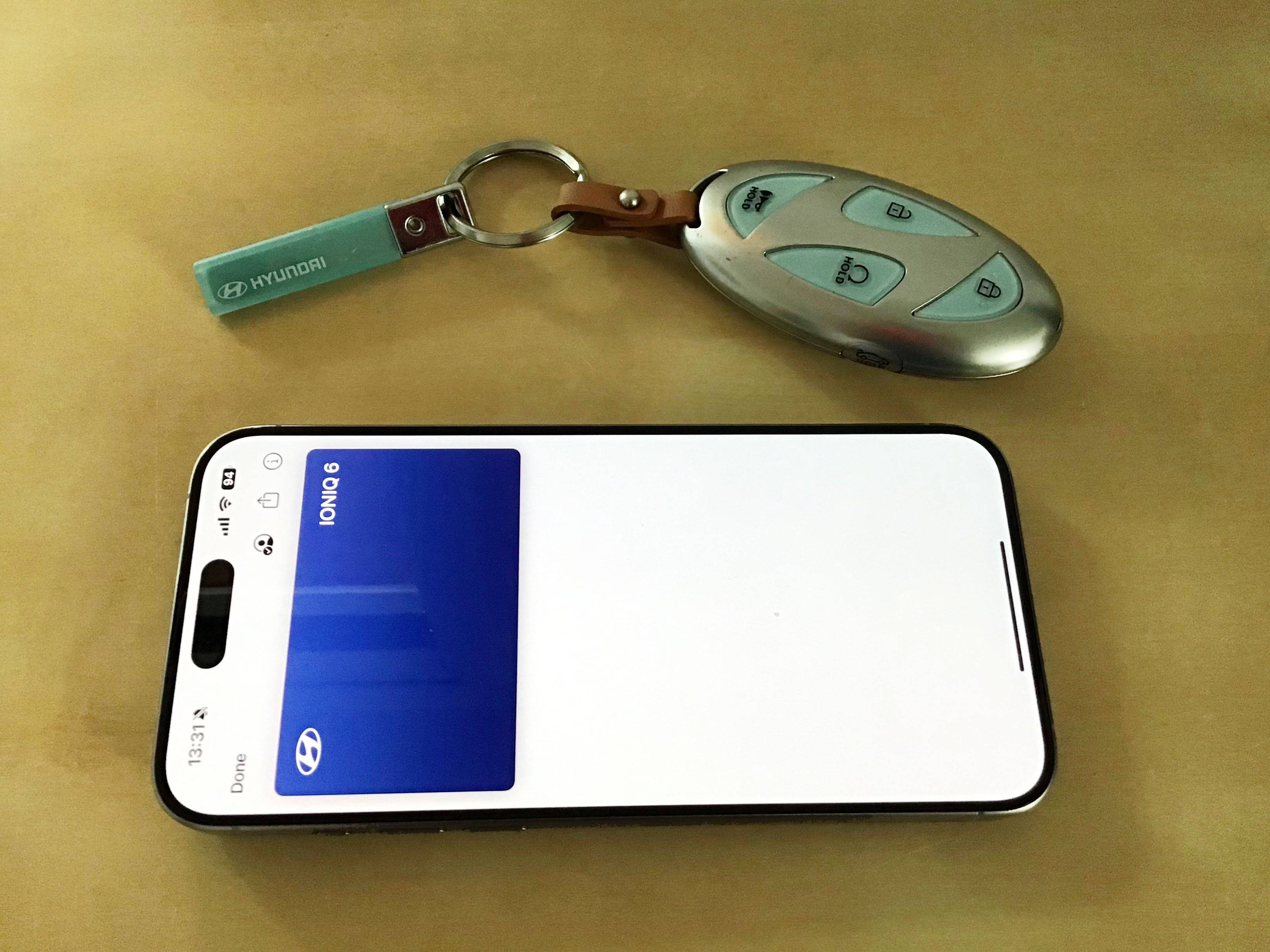
When unlocking the car with my iPhone, I have to place the top of the phone in just the right position on the door handle to get it to be recognized. With the Apple Watch, I have to hold the face to the door handle. It takes an extra second for the car to recognize the device, authenticate, and unlock.
What’s worse is starting the car with the iPhone or Apple Watch. The phone needs to be placed on the wireless charging pad in just the right position to be recognized as a key. With the Apple Watch, you have to hover the face on the recessed charging pad. If you wear your watch on your left hand, you have to reach all the way across the steering wheel with your left arm while pushing the start/stop button with your right hand.
At least the digital key supports Express Mode, which means I don’t have to open up the Wallet app in order to use the key.
EV Charging Passes
I have a couple of passes with EV Charging services like Electrify America and Chargepoint. Our car came with two free years of 30-minute charging with EA, and I have traditionally used their app due to the number of steps needed to initiate a charge:
- Plug in the charging cable into the car.
- Select the charging location in the app.
- Choose the charger that my car in the app.
- Slide to start charging in the app.

I’m not sure what the steps are to start initiating a charge using the EA card in Wallet. After plugging in the cable, do I just open Wallet, choose Electrify America, and tap to start charging? I’ll have to try this, as this seems more convenient than going through the app.
HomeKey
I’ve long envied going to a hotel, getting a key card, and tapping my way into my room. We recently upgraded to a Schlage Encode Plus smart lock that supports HomeKey for our house. It’s great because now I don’t have to bring my physical key anymore. With Express Mode, I can hold my Apple Watch or iPhone right up to the lock to unlock the door. If for some reason I don’t have my physical key, watch, or phone with me, I can enter a key code. My family members have their own key codes, and I can generate temporary key codes for guests coming into the house.
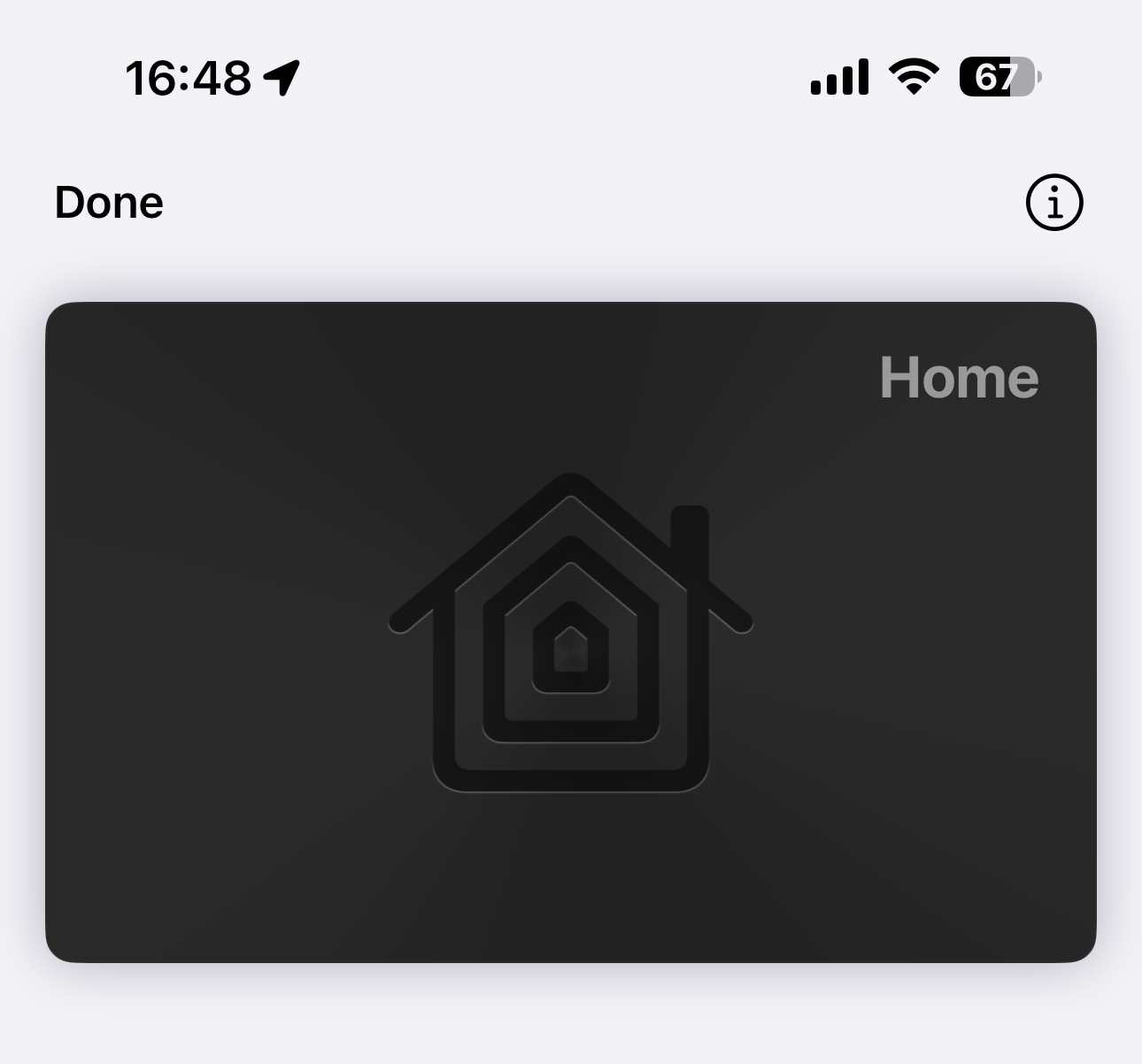
For backup purposes, the Encode Plus also comes with a physical key. I like this because I can still use a key to unlock the door in the rare event that the battery dies or the smart lock hardware experiences a catastrophic failure.
Other Keys
There are a few other keys that are on my keychain that I need to use from time to time. A mailbox key and keys to doors that don’t have smart locks. But I use those keys infrequently, so I can always bring them when I know that I’ll have to use them.
What can’t be replaced
Cash
There’s still a place for cold, hard cash, so I still have to carry some bills with me whenever I leave the house.
Loyalty Card
Most customer loyalty programs for big-named companies such as Starbucks, Target, Walgreens, and more support the Wallet app. Companies that want to add loyalty card support to their apps need to go through several hoops from the development side, which is why you don’t often see small mom-and-pop stores implementing them. So, for those shops, I still carry a paper card which they stamp whenever I make a qualifying purchase.
Wallet Ninja Multitool Card
When I was younger and in the days before 9/11, I used to carry a Swiss Army knife with me. Today, I have this 20 in 1 credit card-sized multitool from Wallet Ninja. It has the following tools:

- Eye Glasses Screwdriver
- Box Opener
- 4 Screwdrivers
- Inches & CM Ruler
- Bottle Opener
- Can Opener
- Fruit Peeler
- 6 Hex Head Nut & Bolts
- Cellphone Stand
- Nail Puller
- Nail Filer
- Mirror
Though it’s the size of a credit card, the Wallet Ninja is made of metal and is rather heavy. I also find some of the tools to be a little gimmicky, like the cellphone stand — you need to place two credit cards in the slot for there to be any degree of stability with the stand.
Conclusion
After going through an inventory of the physical cards I carry in my wallet and the keys on my keychain, I’ve been able to digitize all the important ones that I use on a day-to-day basis. While I still bring my wallet and keychain out of habit, I’ve been trying to consciously leave them behind at the house more and more.
I look forward to the day when the Mobile Driver’s License is fully supported such that I don’t have to carry my physical driver’s license anymore. Until then, I guess this makes me a candidate to use one of those MagSafe wallets that can attach magnetically to the back of my iPhone. I had shied away from them in the past because they only fit from 1-3 cards. I would want to have my driver’s license, one credit card, and the Wallet Ninja. The latter might not work, because (1) it’s thicker than a standard credit card and (2) it’s made of stainless steel, which might interfere with the magnets.
I’ve been looking at the ESR Magnetic Wallet (HaloLock), the MOFT MagSafe Wallet, the PopSockets Phone Wallet, or the Apple FineWoven Wallet with MagSafe. They all have their pros and cons:
- ESR: Doubles as an iPhone stand and stores more cards. Bigger and bulkier than the others.
- MOFT: Accordion style stand works in portrait and landscape orientations. Fits only two cards though.
- PopSockets: Supports three cards and has PopSocket for holding the phone. Bulkier due to PopSocket.
- Apple: Designed by Apple. FineWoven material is controversial.
Leave a comment down below if you have a favorite MagSafe wallet or other slim wallet that I should consider. And, let me know if you have been thinking of or have already digitized your wallet and keys. How has the experience gone?
Some of the links in this blog post are affiliate links, which means that if you click on one of the links and make a purchase, I may receive a small commission at no extra cost to you. This helps support the blog and allows me to continue providing content. Thank you for your support!




 tow.com
Leave a reply to Adam Tow Cancel reply