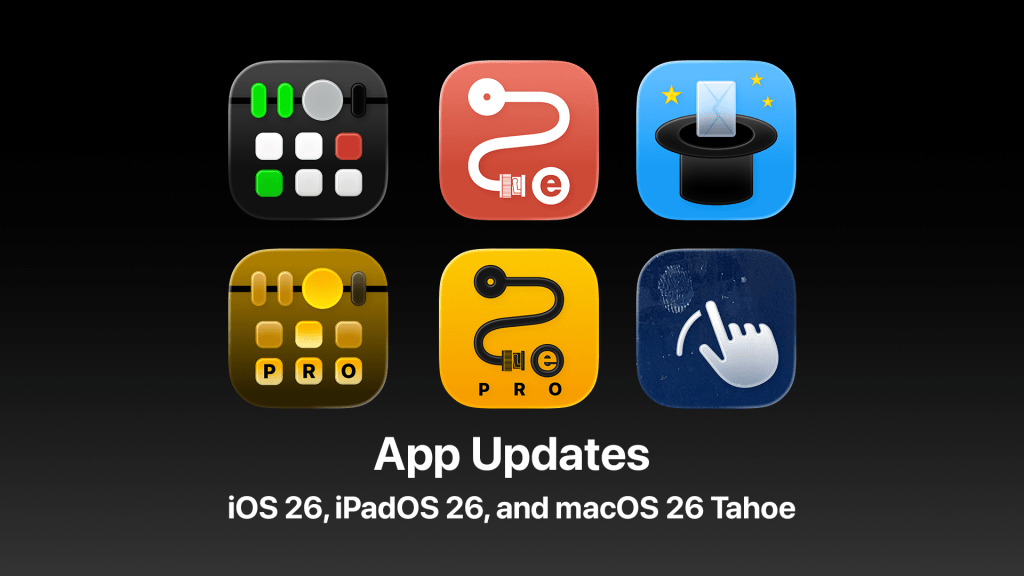
This week, Apple released updates to all of its operating systems. Instead of the expected iOS 19, iPadOS 19, and macOS 16, the company jumped ahead to version 26 with iOS 26, iPadOS 26, and macOS 26 Tahoe.
These new OSes were first previewed at WWDC25 back in June, giving developers a little over three months to prepare their apps. The most visible change is a redesigned interface called Liquid Glass, Apple’s most significant visual overhaul since iOS 7, which replaced skeuomorphic design with a clean, modern look.
In addition to the look of our apps, there were a number of under the hood changes that developers had to work on. I’ve been hard at work for the past several weeks getting my apps ready for iOS 26, iPadOS 26, and macOS 26 Tahoe. If I just had one app, it would be a lot of work, but I have five apps on the App Store: MixEffect, RouteEffect, MsgFiler, Wipe My Screen, and AlbumFiler.
So far, I’ve shipped updates for the first three four. Wipe My Screen is still stuck in App Review. I have not started work on AlbumFiler, and it will have to wait a little longer to get the Liquid Glass treatment.
Update September 20, 2025: Wipe My Screen was approved during the evening.
I’ll share more about some of the development challenges behind these updates in future posts. In the meantime, here are two videos showcasing what’s new in MixEffect 2.3.0 and RouteEffect 1.1.0. Give them a watch—and if you haven’t already, subscribe to the channel!




 tow.com
Leave a reply to Felix Wong Cancel reply