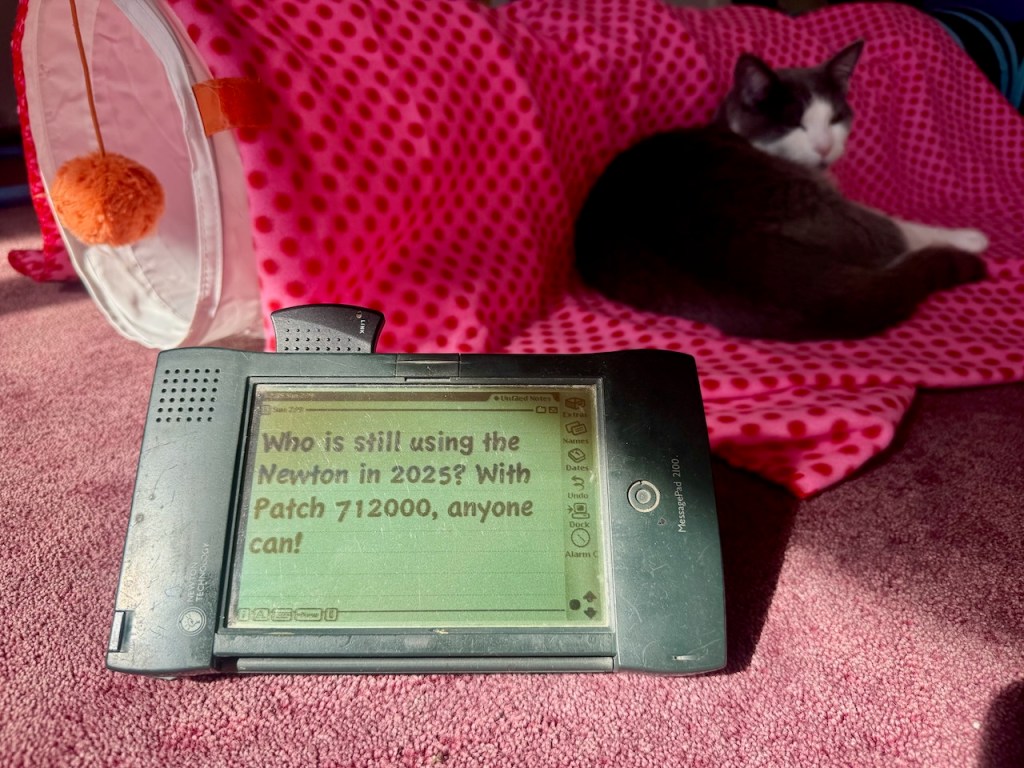
At the beginning of January, 2025, I began reading reports from remaining owners of the Newton — both the physical and emulated — who wrote their devices were no longer operational. The reason? It was the same problem that prevented the Newton’s real-time clock from working past 2010. In simplified terms, the Newton used two methods to calculate time in seconds. One resided in the underlying C++ code of NewtonOS and used unsigned 32 bit integers to represent seconds. The other was in the NewtonScript layer and used integers with 30 bits of precision. Whereas the C++ code could handle dates from January 1st, 1904 to 2040 without problem, the NewtonScript code date range spanned between January 1, 1993 to January 5, 2010.
Until now, Newton users have been getting around the 2010 problem with Patch 711000 from Eckhart Köppen, but it expired on January 4, 2025. With the help of others in the Newton community, Eckhart was quickly able to test and release Patch 712000. This new patch sets the base time at the NewtonScript layer to 2023, meaning it will last until January 1, 2040. He also has patches available for German MessagePad and eMate devices.
It’s in 2040 where the real end of the Newton might occur. According to Eckhart’s article on the 2010 problem, “The use of an unsigned 32 bit integer creates an overflow problem in the year 2040. In general, all C++ functions can be considered safe and problem free until 2040.” If the third-party community has access to the Newton original source code, we may be able to solve it once and for all. Apple did release the Lisa source code two years ago, so it’s not outside the realm of possibility that the Newton’s source code might one day be released. But there may also be legal or intellectual property reasons why they have not or will not do this in the future. We can only cross our fingers and hope as 2040 comes closer.

The only Newton that I interact with on a daily basis is Newton the Cat. Still, I wanted to update my Newton Message 2100 and my emulated Newtons with the new patch. This article covers the many hoops I had to go through to get a product released nearly 28 years ago in 1997 to work today in 2025.
Most of my Macs in the house are running macOS Sonoma or Sequoia. I do have an old PowerBook 180, but I’m unable to get that powered up. And, I’m not currently running any Classic MacOS emulators on my modern machines. Here are the three pieces of hardware that I tried using to get my Newton to connect to my Mac:
- 3Com Etherlink III PCMCIA card
- Farallon SkyLINE Wi-Fi card
- Keyspan USA-28X B twin serial port adapter
Ethernet to the rescue… where was that dongle?
I figured the easiest approach would be to use the Etherlink card, but I misplaced the dongle that provided the RJ-45 jack to the card. No dongle, no bueno.

WEP, there’s always Wi-Fi on the Newton
I next turned to the Farallon SkyLINE card. It only supported WEP encryption (or an access point without any encryption), which most modern Wi-Fi routers no longer support. Fortunately, I had a 2nd-generation AirPort Express that had been gathering dust in my box of obsolete equipment and cables. I’m glad that I kept this instead of recycling it as e-waste at some point over the past decade and a half!
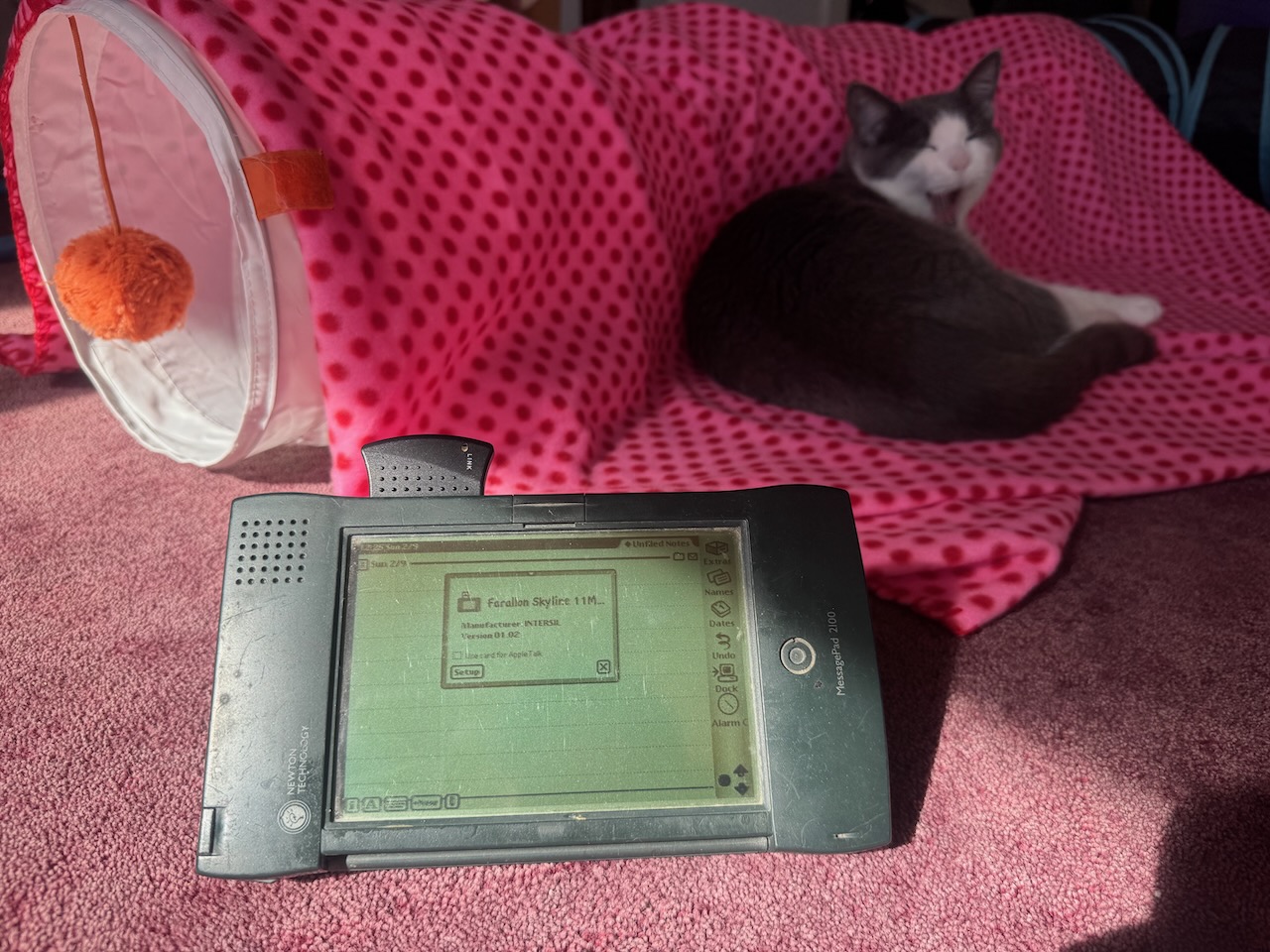
Using Newton Connection 3.0, a 64-bit macOS app for connecting Newton devices to modern Macs, I was able to get the Newton connected to my Mac over the AirPort Express’ bridged Wi-Fi connection. I wasn’t sure what patch my MessagePad 2100 was running, so I first wanted to install the PatchRemover package from Eckhart’s website. This was a mistake because in removing all existing patches, my ability to use the SkyLINE Wi-Fi card was also removed. Inserting the card displayed a -48807 error instead of the standard card alert box.
Serial connection with dongles and adapters
Next I turned to resuscitating the Keyspan twin serial port adapter. macOS has been moving away from supporting kernel extensions (kext), and I was unsure about the steps to get the Keyspan kext installed. Plus, Keyspan as a company is no more, and the new owners, TrippLite, haven’t updated their drivers in years. I did have a MacBook Pro from 2008 that I still use for watching the occasional DVD that was running macOS X 10.11.4. Maybe the “Driver for USA-28XG (Mac OS X 10.6.x to 10.8.x)” would work?
Once installed, I noticed that whenever I plugged in the adapter, it would kernel panic or otherwise crash my computer. “Okay, I’ll just keep it plugged in,” I figured. I had to download and use a prior version of Newton Connection (v2.3) that supported this version of macOS. Yet, even after specifying the correct serial port and speed, I was unable to get the NCX connected.


What I did learn from reading several articles about the Newton was that there was a newer Serial to USB cable that didn’t require any drivers to work whatsoever. The USB to RS232, USB Serial Adapter with FTDI Chipset cost $12.99 from Amazon and was delivered overnight to my house. I had to connect this cable to an RS232 (female) to Mini-DIN-8 cable that came with my Newton MessagePad. I then plugged one end into my Mac and the other end into the MessagePad’s Interconnect port. I openly wished that the Newton were modernized to support USB as I looked as this tangle of cables and dongles.

But, it all worked out. The Dock application was able to connect to Newton Connection 3.0 on my 14″ M2 Max MacBook Pro, and I was able to install the Patch 712000 package onto the MessagePad. After a restart, its base time was reset to 2023, and I was able to use the Setup application to set the date to 2025. All is now good in the land of my physical Newton MessagePad 2100!
Installing the patch on Einstein emulated Newtons
As for my emulated Newtons, I compiled the source to Einstein and installed the Newton emulator on my M4 iPad Pro and my 6th-generation iPad mini. The iPad mini with its A15 Bionic chip feels like using a 2100. The M4 iPad Pro feels quite a bit faster, especially when performing handwriting recognition. Einstein lets you choose from a variety of resolutions, including:
- MP 2×00 (320×480)
- iPhone 4 (640×960)
- Quarter iPad (384×512)
- iPad (768×1024)
- iPhone 5/5s (640×1136)
- Quarter iPhone 5/5s (320×568)
- iPhone 6 (750×1134)
- Quarter iPhone 6 (375×567)
- iPhone 6+ (1080×1920)
- Quarter iPhone 6+ (540×960)
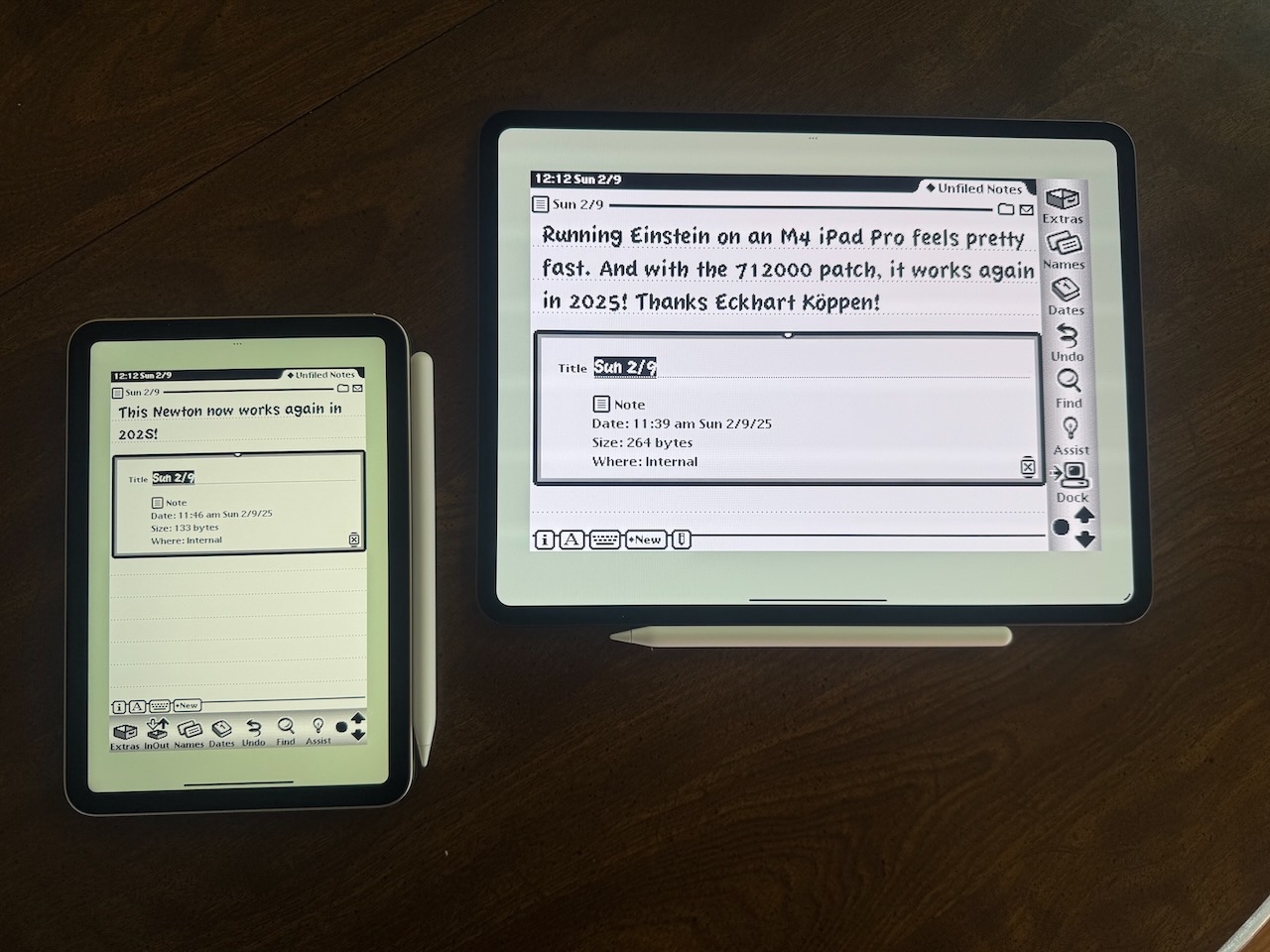
I may have to go into the source code to add some additional resolutions to support more modern iOS and iPadOS devices. Because the Newton interface was tailored for bitmap displays, it really doesn’t scale well at these higher resolutions. Tap targets become very small, especially the on-screen keyboard. Even with the Apple Pencil, it was hard to tap my name, address, and phone number in the Setup application.

Good until 2040
I now have my Newtons, both emulated and physical, running the latest version of Eckhart’s patch, which means they are safe to use for the next 15 years. We’ll see if Newton can survive the year 2040. Can you imagine any technology that you still use today from 40 years ago? The only thing that I can think of from my end is our Modern Maid range and stove, but we’re actually in the process of replacing that later this month. That will be a post for another day! Until then, the old adage remains, Newton never dies, it just gets new batteries, emulated, or patched!
Article links
- Patch 712000 (English MessagePad 2000 and 2100)
- Patch 742000 (German MessagePad)
- Patch 732000 (eMate 300)
- Newton Connection
- USB to RS232, USB Serial Adapter with FTDI Chipset
- Einstein Newton Emulator
Disclaimer: This post may contain affiliate links. If you make a purchase through one of these links, I may earn a small commission at no additional cost to you. Thank you for supporting my blog!





 tow.com
Leave a reply to Jon Wise Cancel reply