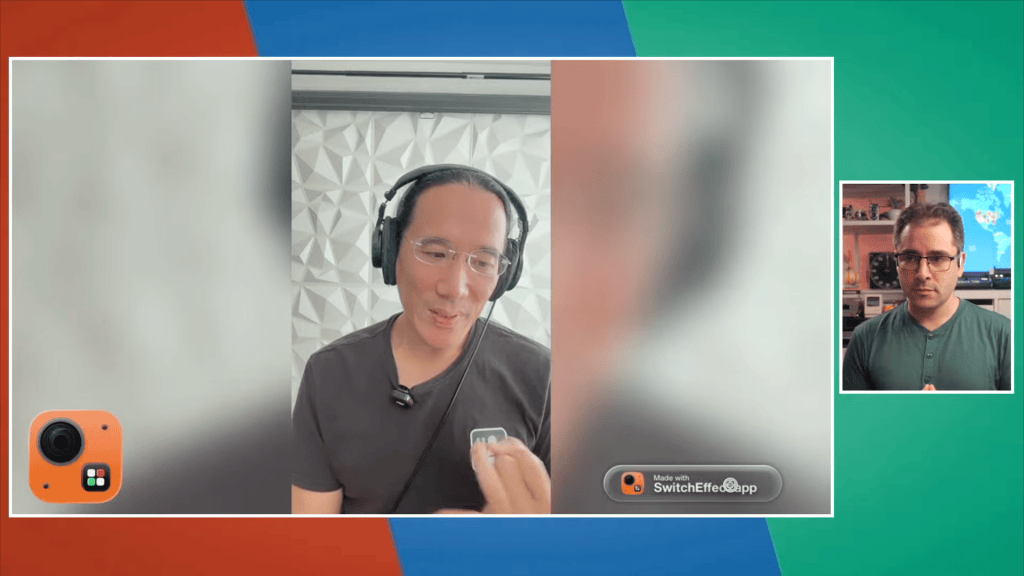
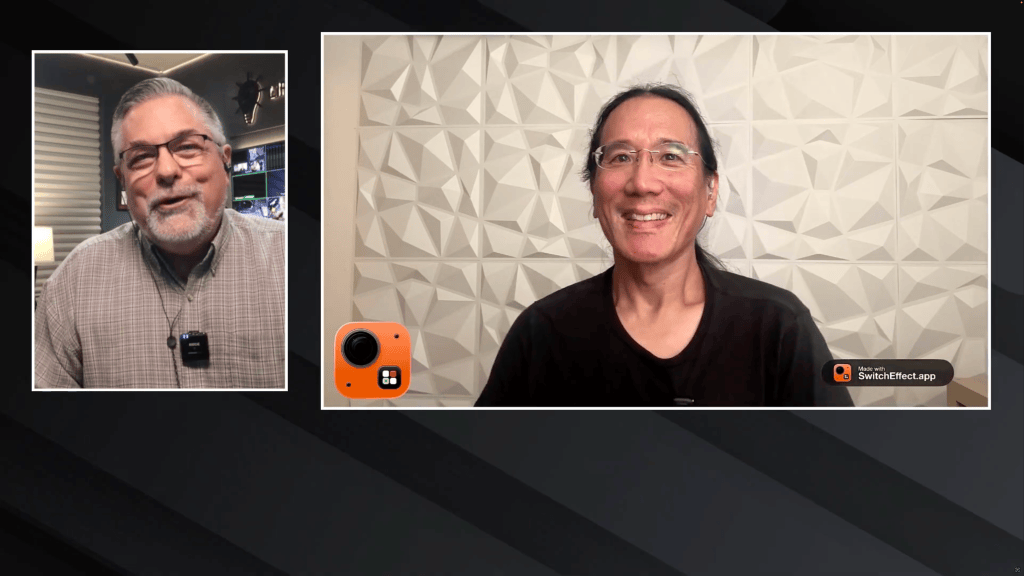
Last Sunday, I appeared on Aaron Parecki’s weekly livestream to demonstrate SwitchEffect, my upcoming live video production app for iOS and iPadOS. Before we went on air, we talked about his growing audience and how it’s no longer made up primarily of people using Blackmagic Design ATEM video switchers. These days, plenty of his viewers are using RØDECaster Video, YoloLiv, Magewell, and OSEE GoStream switchers.
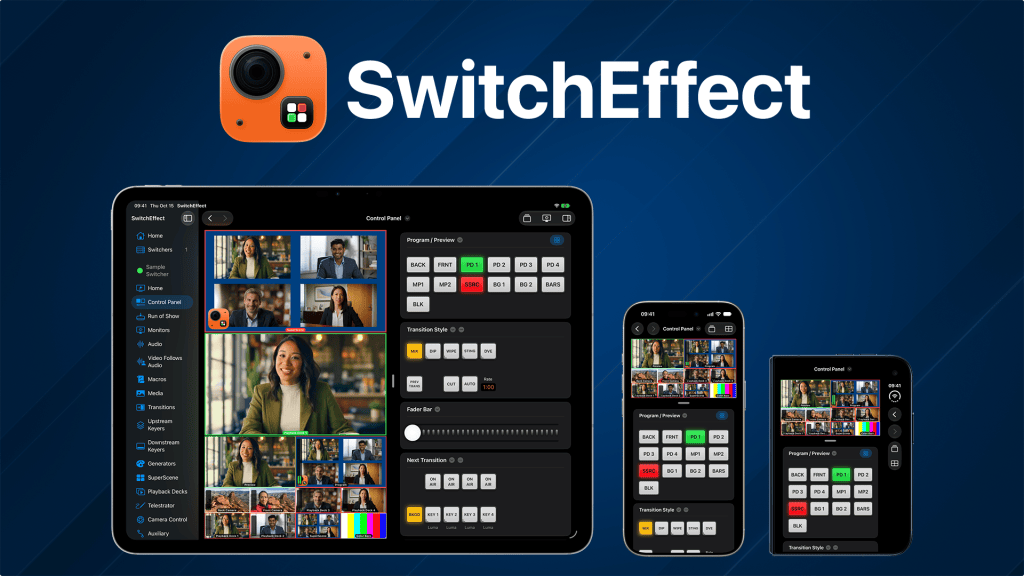
When I first developed MixEffect during the COVID pandemic, Blackmagic Design’s affordable and relatively easy-to-use ATEM Mini switchers were becoming increasingly popular as more people began livestreaming and producing their own video events. Today, there are many more options, including software-based solutions that run entirely on an iPad or an iPhone. It’s certainly a more competitive market for SwitchEffect to enter, but I think there’s room for a powerful, full-featured software switcher that runs on devices people already own.
For the livestream, I ran my entire video production using SwitchEffect on an iPhone 15 Pro Max, with a Mac and an iPad mini 7 serving as remote cameras. That’s right, the iPhone was handling all the video switching and compositing, without a dedicated hardware switcher or desktop computer running the production!
SwitchEffect pushes the iPhone’s hardware to its limits, however, and I had to use a Peltier cooling device to keep the phone from overheating and throttling its performance. I also connected the iPhone to Ethernet through a USB-C hub for a reliable network connection and used a DJI Mic 3 wireless microphone system for clean audio input. It’s quite a bit of gear attached to a phone, but it demonstrates just how capable these devices have become.
I was actually running a prerelease version of SwitchEffect, which will allow users to connect directly to Zoom meetings and use participants’ video feeds as inputs. Aaron joined my Zoom meeting using ZoomISO, which he used to extract my isolated video feed into his own video production pipeline. We encountered some audio sync issues at the beginning of the stream, but after Aaron reset ZoomISO on his end, everything worked much better.
App Store Review Submission
Yesterday evening, I submitted SwitchEffect to the Apple App Store for review!
However, the version I submitted does not include the Zoom meeting functionality that I demonstrated on the stream. Why is that?
Two reasons:
- Zoom integration requires the Zoom Meeting SDK and a separate approval process through the Zoom Marketplace. That takes time, and I didn’t want to delay the initial release of SwitchEffect by adding another review process to the mix.
- Zoom and I are also investigating a crashing bug in the Meeting SDK when joining meetings on iOS 27 and iPadOS 27.
Don’t worry, though. Zoom meeting integration is coming soon! You can read more about the upcoming Zoom support in SwitchEffect here.
What’s Coming at Launch?
For the initial release, there will actually be three applications available on the App Store:
- SwitchEffect: The main application that turns your iPhone, iPad, or iPhone Duo into a full-fledged live video production switcher.
- SwitchEffect Camera: A companion app for iOS and iPadOS that turns your device into a remote camera for SwitchEffect.
- SwitchEffect Camera for Mac: A companion app for macOS that lets you use webcams connected to your Mac, share entire screens or individual windows, and use Blackmagic Design DeckLink cards as remote video inputs to SwitchEffect.
Now comes the waiting game.
I’ve been submitting apps to the App Store for many years, and frankly, I’d be surprised if Apple didn’t find something they wanted me to fix or clarify.
My biggest concern is the review of SwitchEffect Camera. Apple can’t really test its functionality without also having SwitchEffect running. Can an App Store reviewer access another app that’s still in the review queue, especially if it’s assigned to a different reviewer?
And wouldn’t you know it? While I was writing this post, Apple rejected SwitchEffect Camera!
Well, back to work!






Leave a Reply