The Apple Pencil was first introduced in 2015 with the launch of the original iPad Pro. I was jazzed at the time because it featured the return of a pen-like instrument for the iPad, one that was designed for artists, creatives, and people who preferred handwriting over typing.
Having been a longtime user of the Apple Newton and Palm handhelds, I was particularly excited about the prospect of using a stylus with an Apple device again.
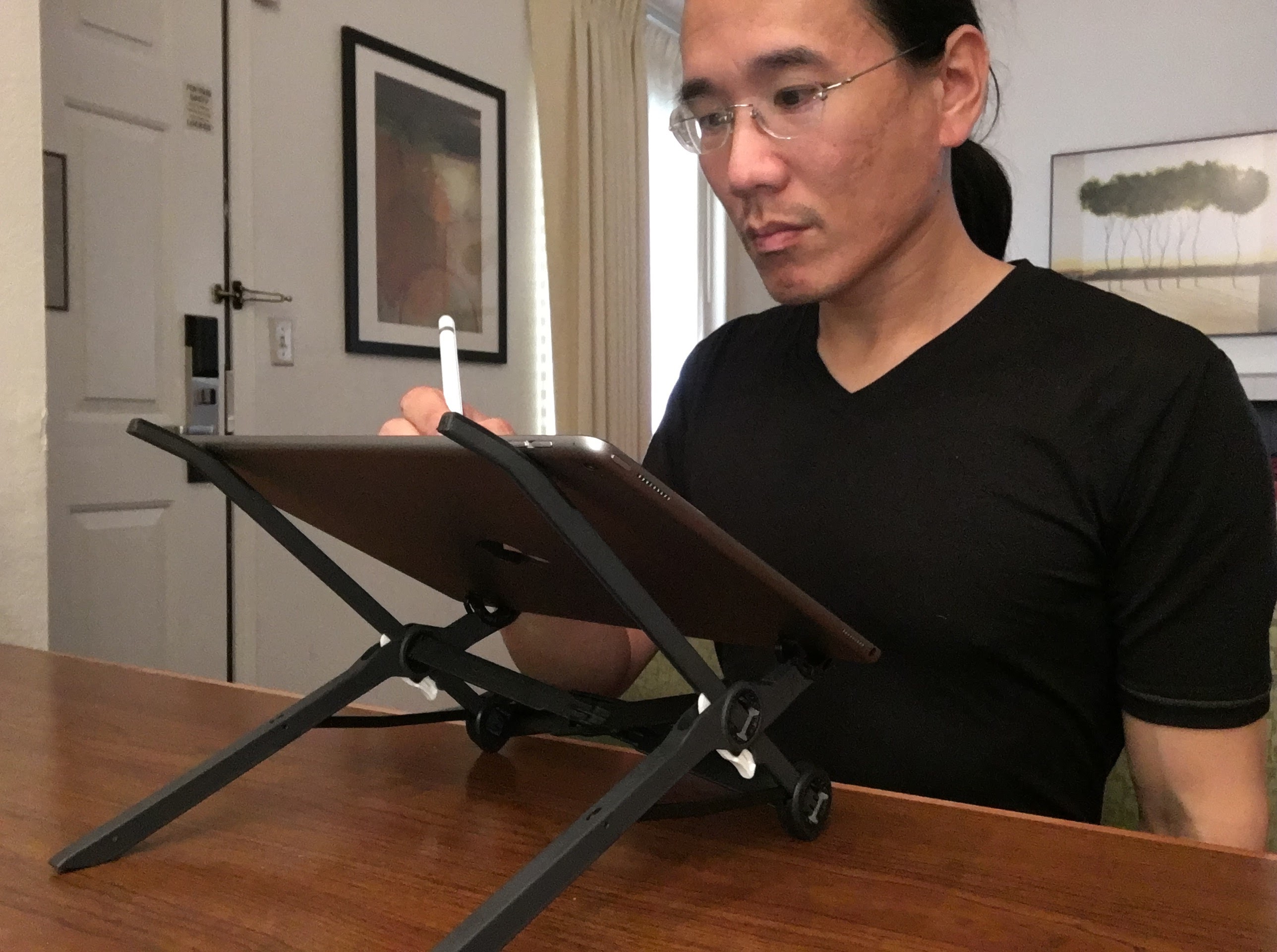
The original Apple Pencil had an, ahem, interesting way to charge itself by plugging directly into the iPad’s Lightning port. It looked rather ridiculous sticking out of the bottom of the iPad, and the removable cap was something that could easily be lost. But the benefits of a pixel-precise drawing and writing tool were not lost on me. The low latency, pressure sensitivity, and palm rejection made it a considerable improvement over the capacitive styluses that people had been using with their iPads.
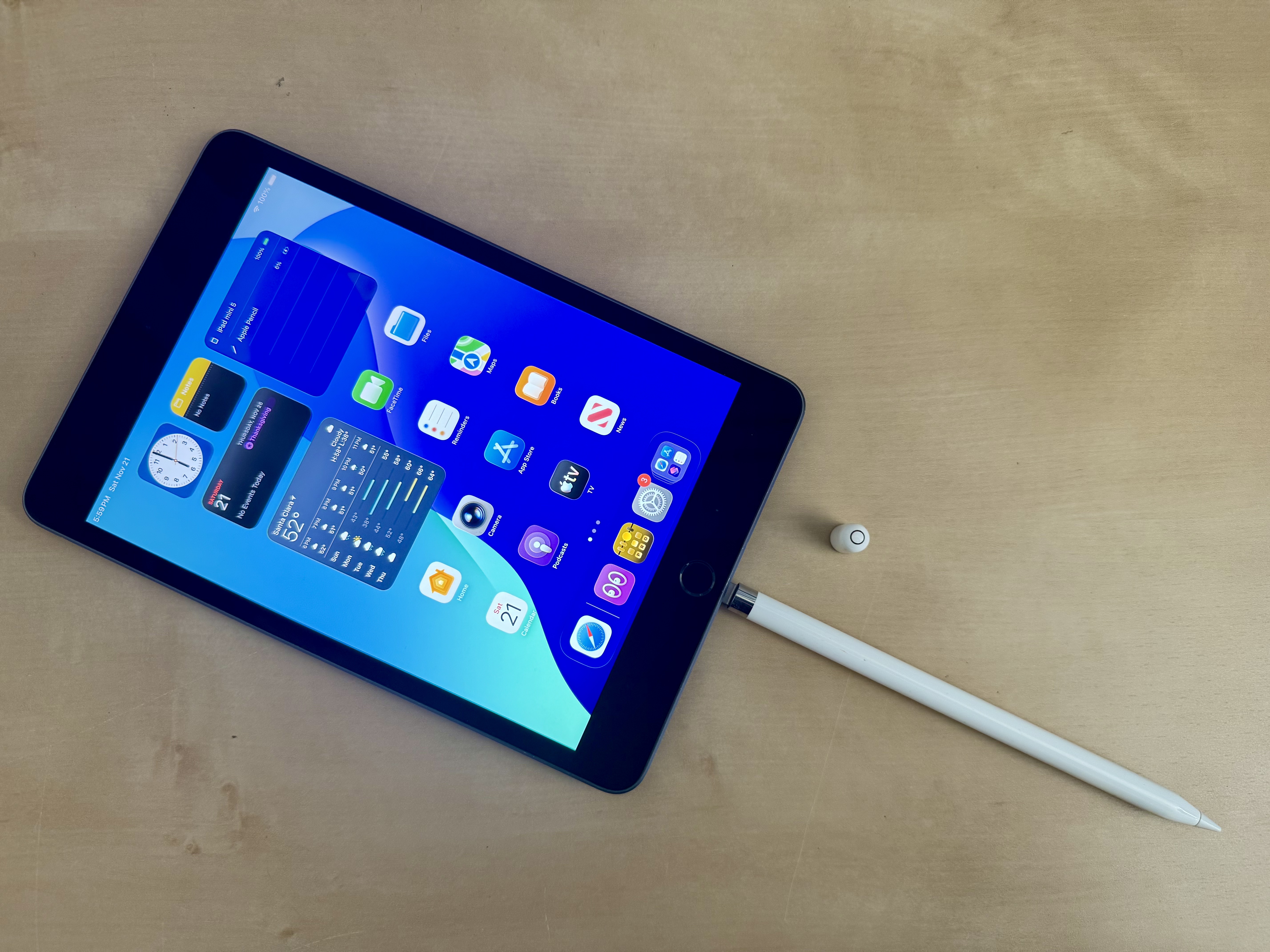
The only iPad that I currently have that works with the original Apple Pencil is my iPad mini (5th-generation), but I’m about to trade it in for a meager discount on the pricey 8th-generation iPad mini (A20 Pro). I would have kept it as an iPadOS 18 test device, but it recently auto-updated to iPadOS 26, and Apple doesn’t let you downgrade the OS. Once it’s gone, I’ll have no devices left that work with my original Pencil.
Three years later, with the launch of the redesigned iPad Pro in 2018, Apple introduced the second-generation Apple Pencil. This one had numerous improvements, including the ability to magnetically attach, charge, and pair with the iPad Pro. No more awkward charging arrangements or removable caps to lose. The flat side also prevented the Pencil from rolling off the table.
That Apple Pencil eventually made its way to the iPad Air and iPad mini (6th generation). In 2022, Apple introduced support for hover on the M2 iPad Pro, which enabled you to see the cursor before placing the Pencil on the screen. This was a feature of the iPad’s display and sensing technology, not a new Pencil, which meant existing second-generation Apple Pencils could take advantage of it.

Five years after the second-generation Pencil, Apple released the more entry-level Apple Pencil (USB-C) in 2023. This one could magnetically attach to any iPad that supported the Apple Pencil (2nd generation) or Apple Pencil Pro, but it had to be paired and charged using a USB-C cable. The cap slid open, but not off, to reveal a USB-C port.
The USB-C model lacked pressure sensitivity, wireless charging, and the double-tap gesture of the second-generation Pencil. On the other hand, it worked with a wider range of iPads, making it something of a universal Apple Pencil.
In 2024, Apple announced the Apple Pencil Pro, an even more powerful version that supported squeeze gestures, barrel roll, haptic feedback, and Find My. Squeezing the Apple Pencil Pro could bring up contextual tools, while rolling it allowed supported drawing applications to change the orientation of brushes and other tools.
The unfortunate thing about the Apple Pencil Pro was that it wasn’t compatible with any of the iPads that supported the second-generation Apple Pencil.
For me, that meant my iPad mini (6th generation), M1 iPad Pro, and 2018 iPad Pro were stuck with the regular Apple Pencil. And that Apple Pencil wouldn’t work with my M4 iPad Pro, iPad mini (A17 Pro), or iPad mini (A20 Pro). Nor would it work with my iPhone Duo.
| Feature | 1st Gen | 2nd Gen | USB-C | Pro |
|---|---|---|---|---|
| Introduced | 2015 | 2018 | 2023 | 2024 |
| Launch Price | $99 | $129 | $79 | $129 |
| Charging | Lightning | Magnetic | USB-C | Magnetic |
| Pairing | Lightning | Wireless | USB-C | Wireless |
| Pressure Sensitivity | Yes | Yes | No | Yes |
| Tilt Sensitivity | Yes | Yes | Yes | Yes |
| Hover* | No | Yes | Yes | Yes |
| Double Tap | No | Yes | No | Yes |
| Squeeze | No | No | No | Yes |
| Barrel Roll | No | No | No | Yes |
| Haptic Feedback | No | No | No | Yes |
| Find My | No | No | No | Yes |
* Hover requires a compatible iPad. Support varies by iPad model.
Finally, in 2026, support was added for the iPhone Duo, making it the first iPhone to support the Apple Pencil. For someone who had long wanted a pocketable Newton-like device, this was a welcome development.
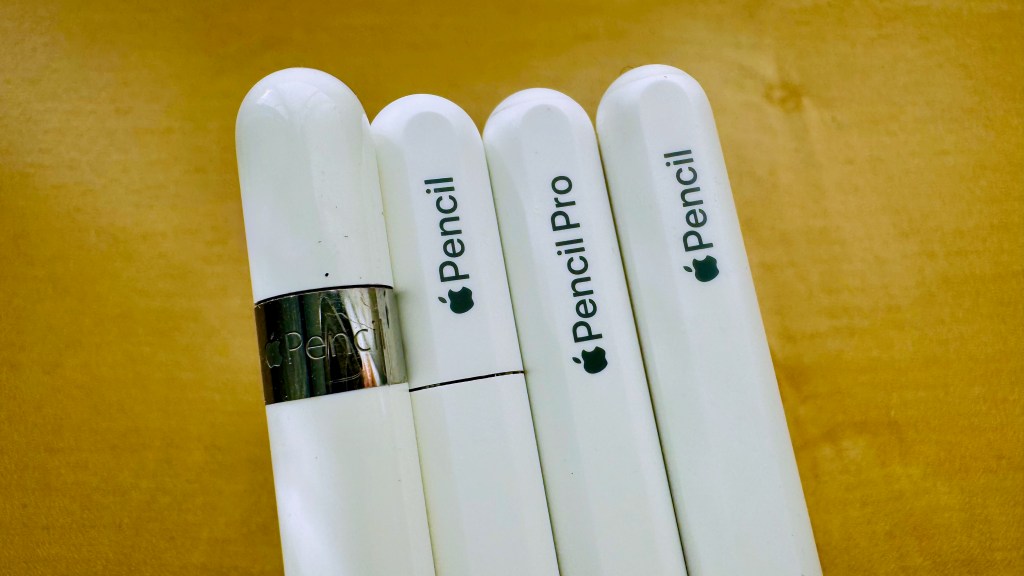
There are four pencils!
So, while Apple continued to improve the Apple Pencil, it also created a situation where owners of multiple iPads needed multiple generations of essentially the same accessory.
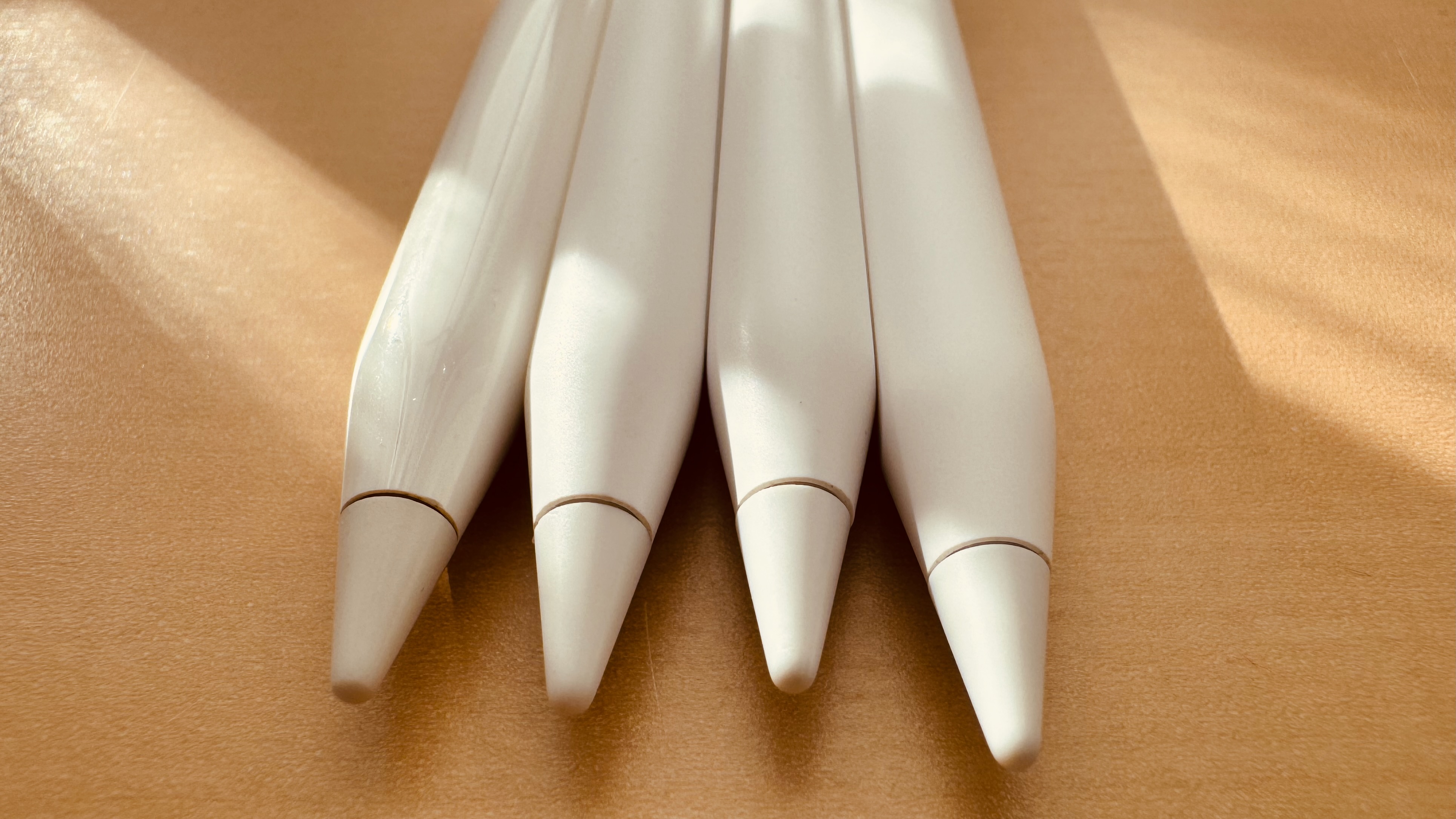
That’s how it came to pass that I had five Apple Pencils, four of which are pictured in the featured thumbnail above. I have the original Apple Pencil, two Apple Pencil (2nd generation), an Apple Pencil Pro, and an Apple Pencil (USB-C).
In the immortal words of Captain Jean-Luc Picard, “There are four pencils!”
Whatever Happened to Universal Styluses?
One thing I miss about the days of the Newton and Palm handhelds was that you could use practically any stylus with any device.
The Newton and Palm devices used resistive touchscreens, which responded to pressure rather than requiring a special electronic pen. You could take the stylus from a Newton MessagePad and use it on a Palm Pilot, or vice versa. You could mix and match styli from different manufacturers to find the one that felt best in your hand.
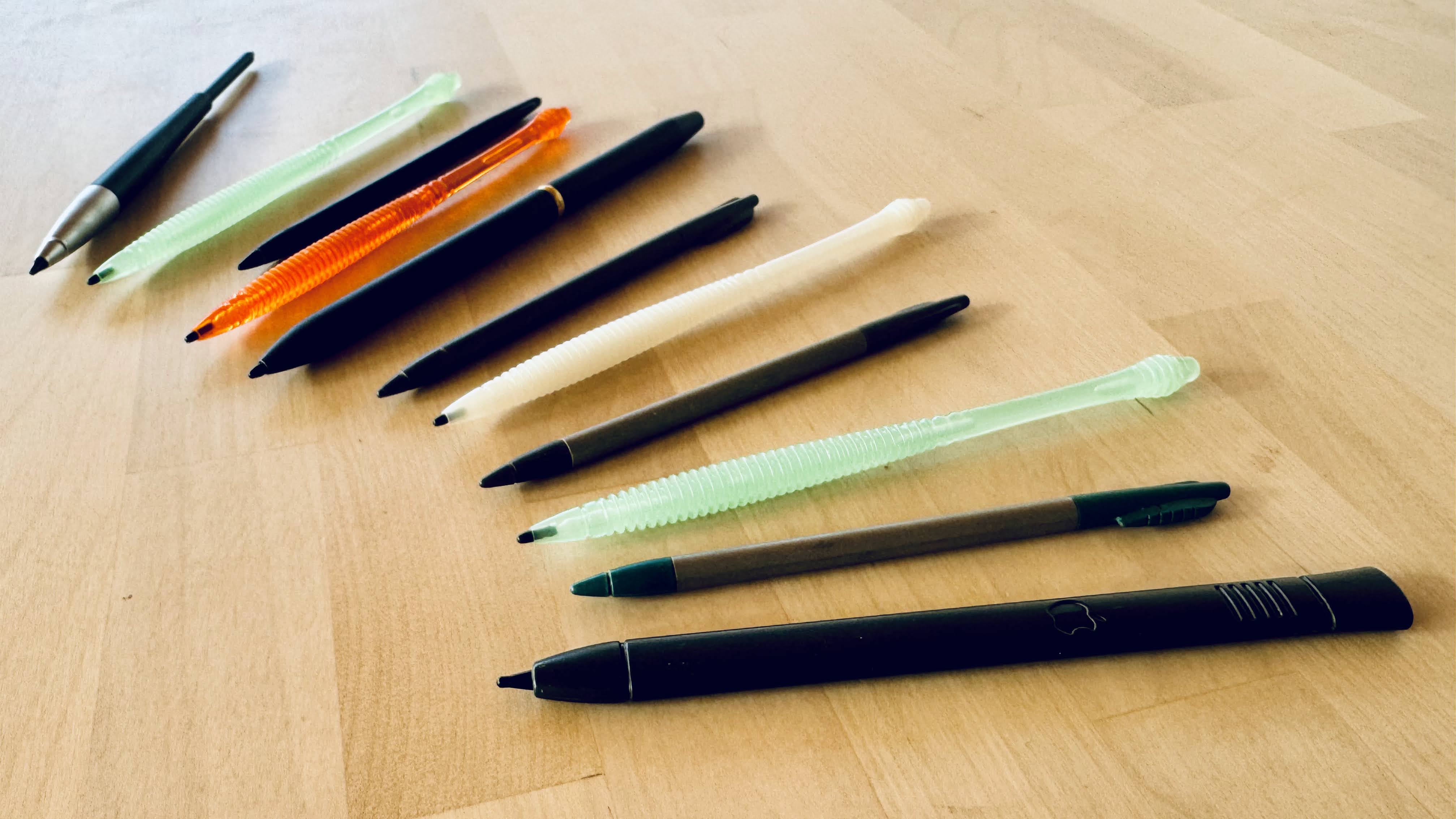
Some were short and thin, designed to fit into a silo in the device. Others were full-size pens with a stylus tip on one end and a ballpoint pen on the other. There were even telescoping styli that extended to a more comfortable writing length.
You weren’t locked into a particular stylus simply because you owned a particular handheld.
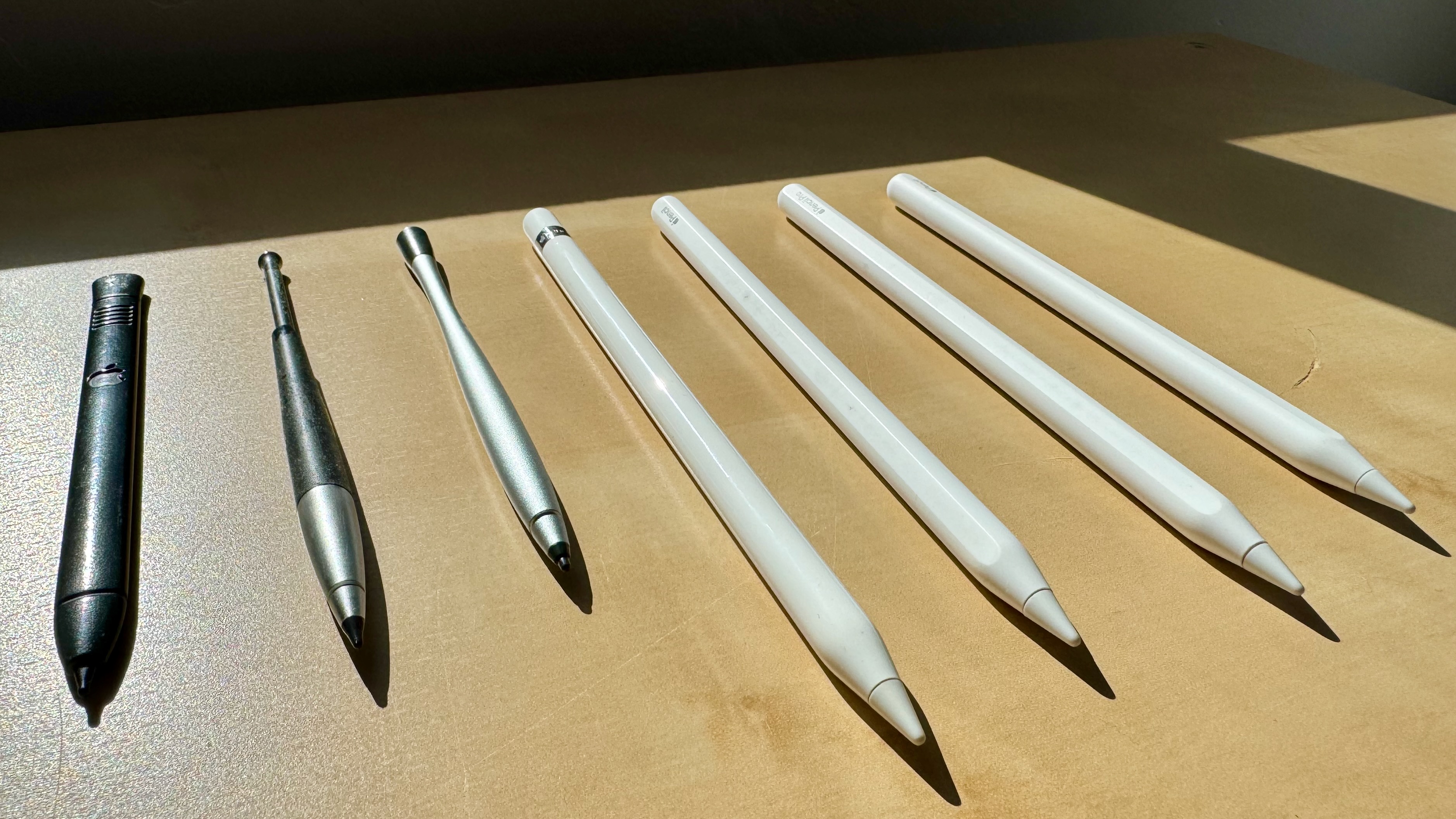
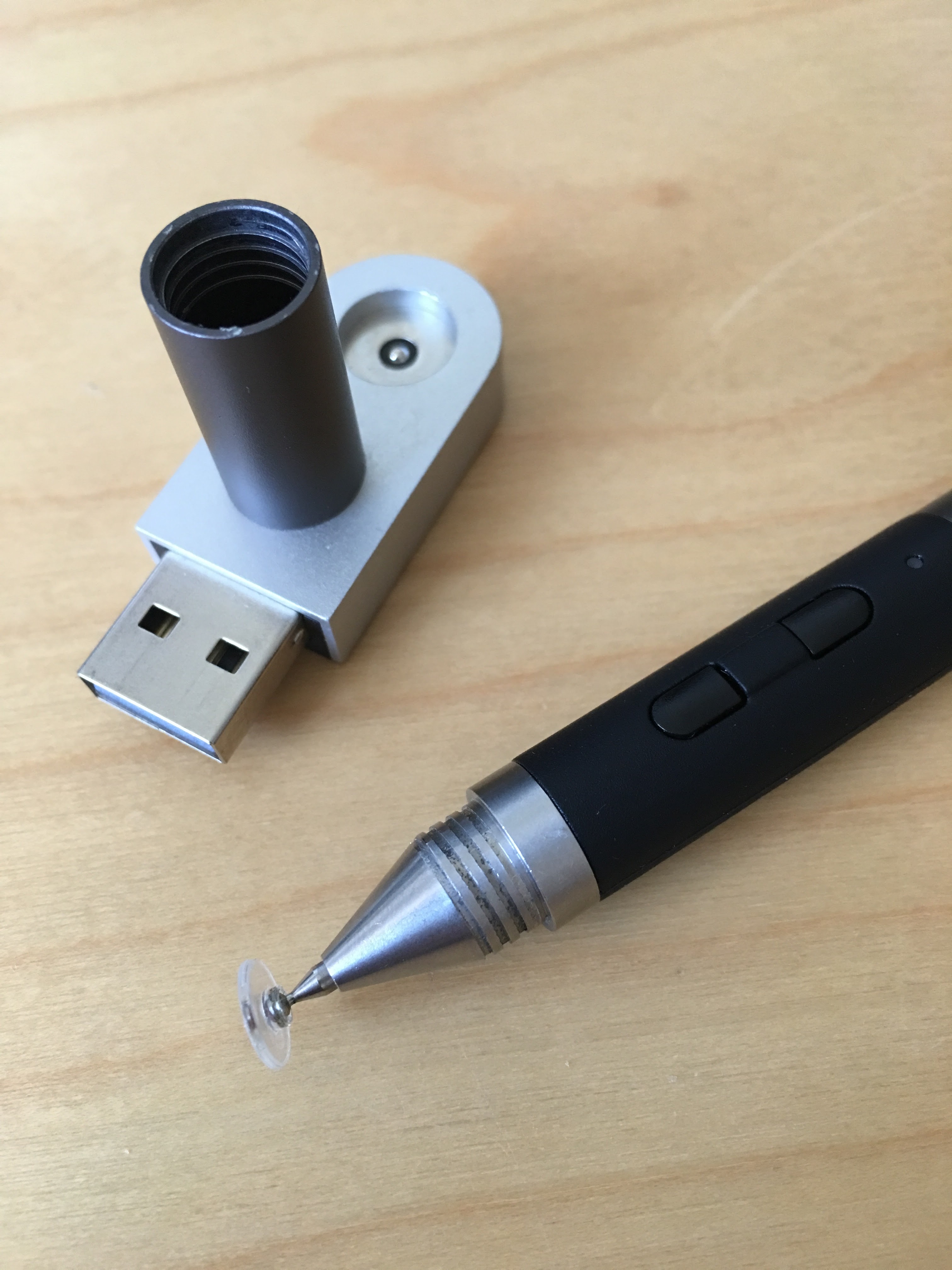
The same is largely true of passive capacitive styli on modern touchscreens. You can use a capacitive stylus designed for an Android tablet on an iPhone or iPad, provided the tip can properly register with the touchscreen.
Not all capacitive styli are created equal, however. Some have large rubber tips, others have mesh tips, and still others have fine tips with transparent discs. I’ve found that some work better than others at being recognized by the touchscreen. Depending on the tip, the angle at which you hold the stylus, and how much contact it makes with the screen, you may find yourself having to repeat strokes that weren’t registered.
The Apple Pencil is clearly far more sophisticated than any of these passive styluses. But precision, pressure sensitivity, tilt detection, and palm rejection all come at a cost: batteries, pairing, charging, and compatibility.
With a Newton or Palm stylus, you simply picked it up and started writing. There was nothing to charge, nothing to pair, and nothing to worry about becoming obsolete when you upgraded your handheld.
The Compatibility Problem
I hope that in the future Apple will standardize the connectors and communications between the Apple Pencil Pro and Apple Pencil (USB-C) so that users don’t have to buy a new one just to support future iPads and iPhones.
Let future Apple Pencils be like Apple Watch bands, where compatibility hasn’t changed in twelve years (knock on wood). Yes, I know that Apple Watch bands just have a physical connector, whereas the Apple Pencil has Bluetooth, pairing, charging, and magnetic attachment interfaces that need to be considered. But this is Apple! Surely the company that designs both the Pencil and the devices it connects to can figure out a way to maintain compatibility across generations.
What’s particularly frustrating is that the second-generation Apple Pencil introduced in 2018 was able to gain new functionality, such as hover, when paired with newer iPads. Apple didn’t need to introduce an entirely new Pencil to make that happen.
Yet when the Apple Pencil Pro arrived in 2024, owners of older iPads couldn’t use it, even for basic drawing and handwriting. And owners of the newer iPads couldn’t use their existing second-generation Pencils.
The Apple Pencil (USB-C) is the closest thing we have to a universal Apple Pencil, but you give up pressure sensitivity, wireless charging, and some of the other features that make the more expensive Pencils so appealing.
Back to Carrying a Cable
On my recent four-day trip to San Diego, I traveled Reacher-style without a bag, carrying everything I needed in my pockets. My iPhone Duo was my primary computing device, and I brought along the Apple Pencil (USB-C) for handwriting with WriteHere.
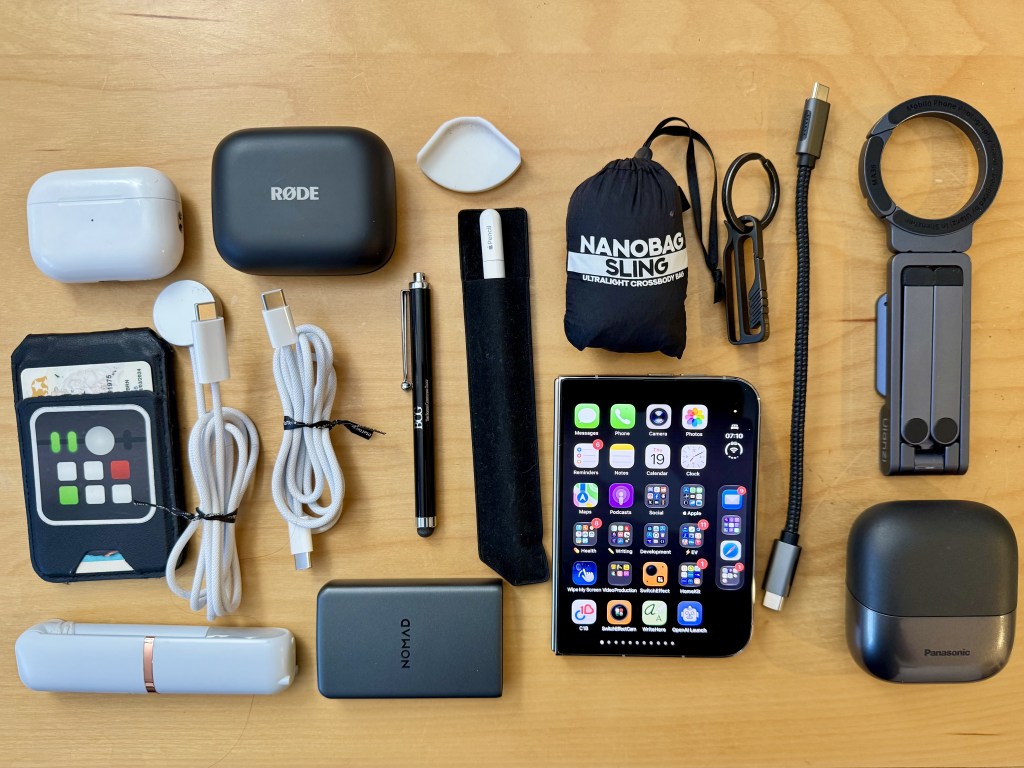
There were several times when the Apple Pencil (USB-C) or the Duo — I’m not sure which one — would lose its pairing information with the other. When this happened, I had to plug in the two devices using a short USB-C data cable, pictured below, to re-pair.
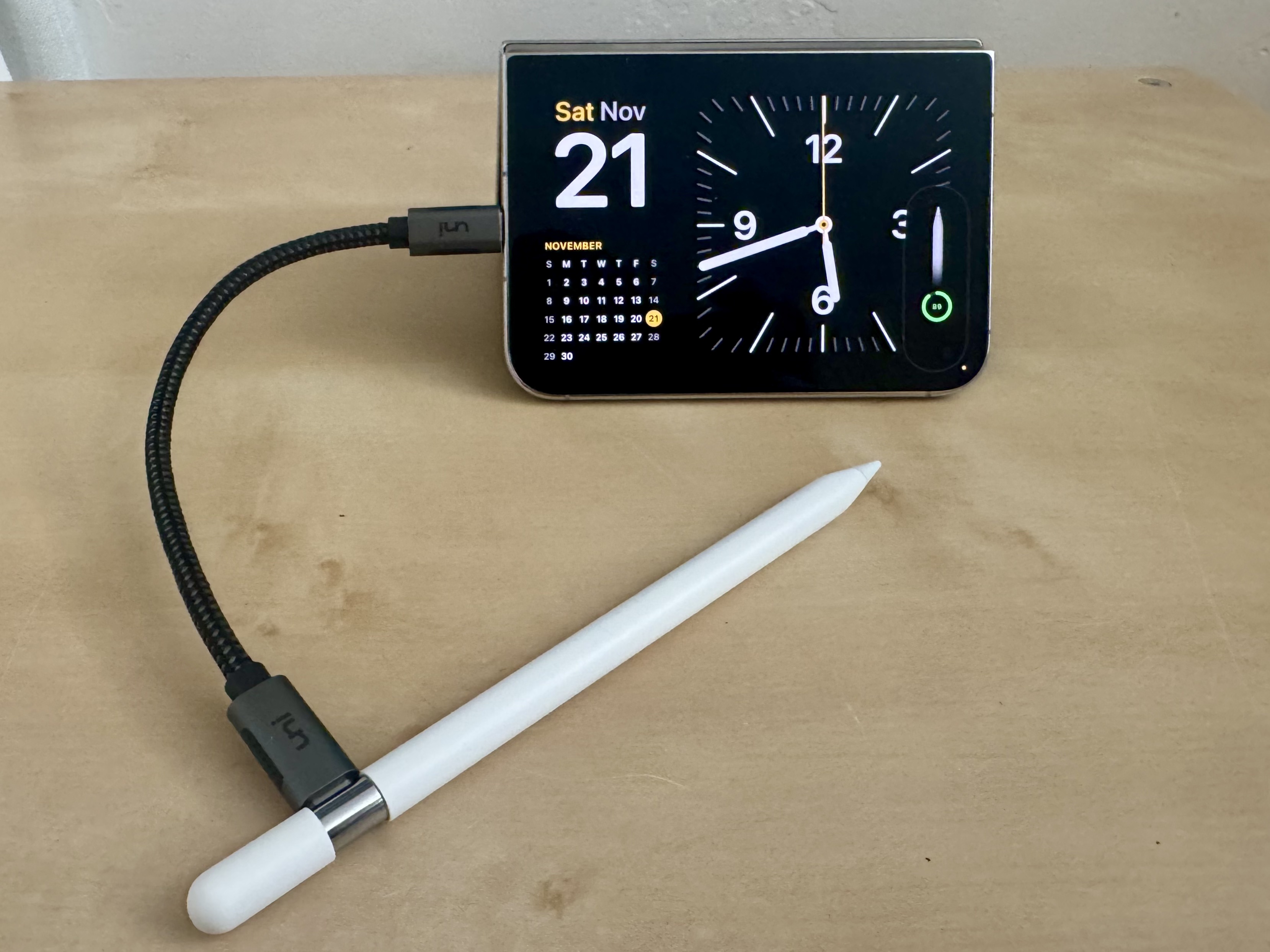
For someone who likes to pack lightly, this is a bit of a nuisance.
Ironically, that was one benefit of the original Apple Pencil. It had a built-in Lightning connector! If you needed to charge or pair it, you just plugged it directly into the iPad. Back in 2015, people made fun of the original Apple Pencil sticking out of the Lightning port. Three years later, Apple seemingly solved the problem with magnetic charging and pairing.
I don’t know if that’s progress or one step forward, two steps back. Whatever it is, I’m back to carrying a small USB-C cable with me.
When the Battery Runs Out
Another downside of the Apple Pencil is that when its battery runs out, you’re out of luck until you can charge it again. Again, this isn’t so much of a problem with the Apple Pencils that can charge magnetically, but with the USB-C model, you have to remember to bring a cable with you.
Thirty years ago, I developed the original WriteHere application for the Apple Newton. It allowed Newton users a more convenient way to input text using handwriting.
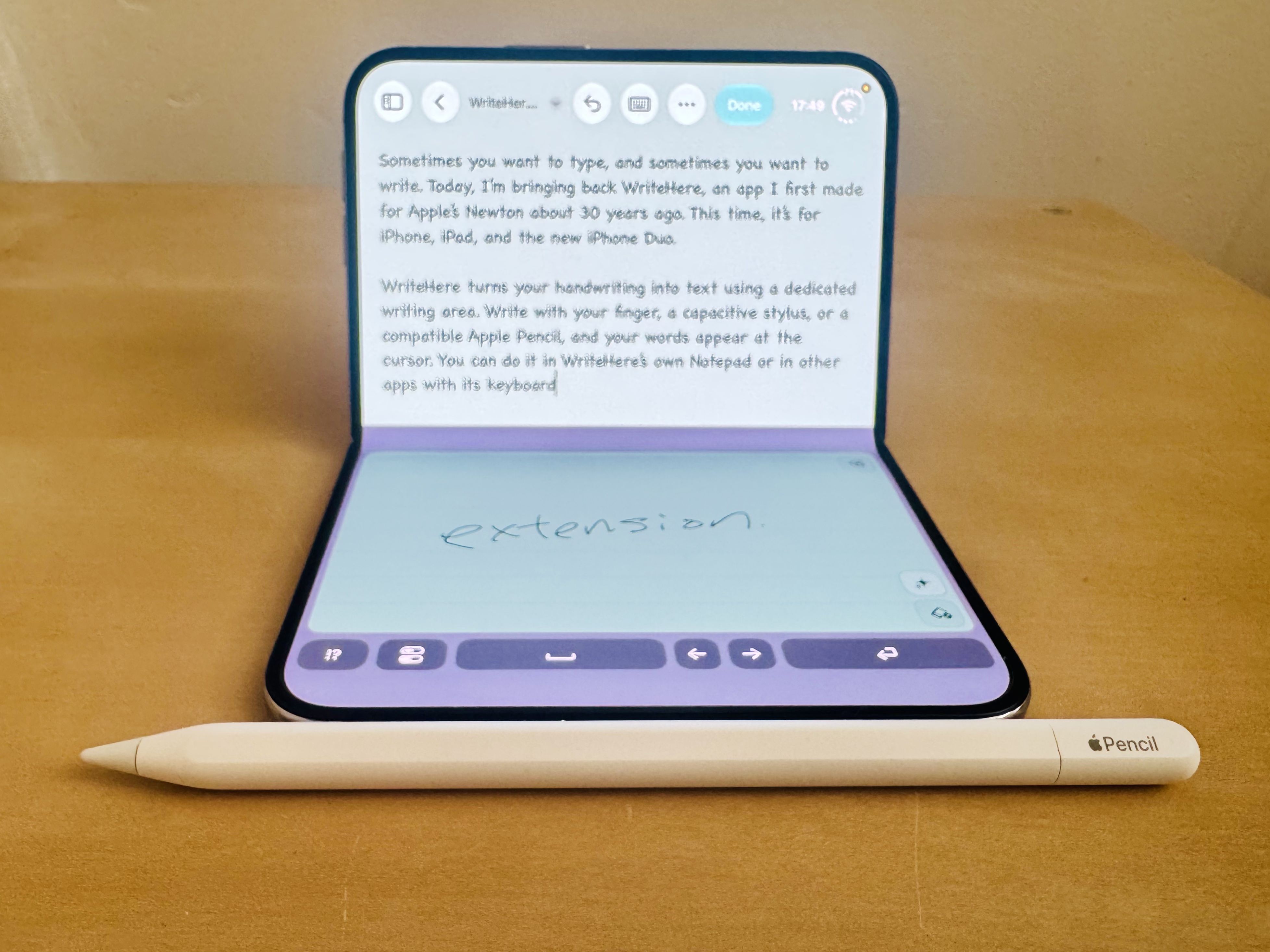
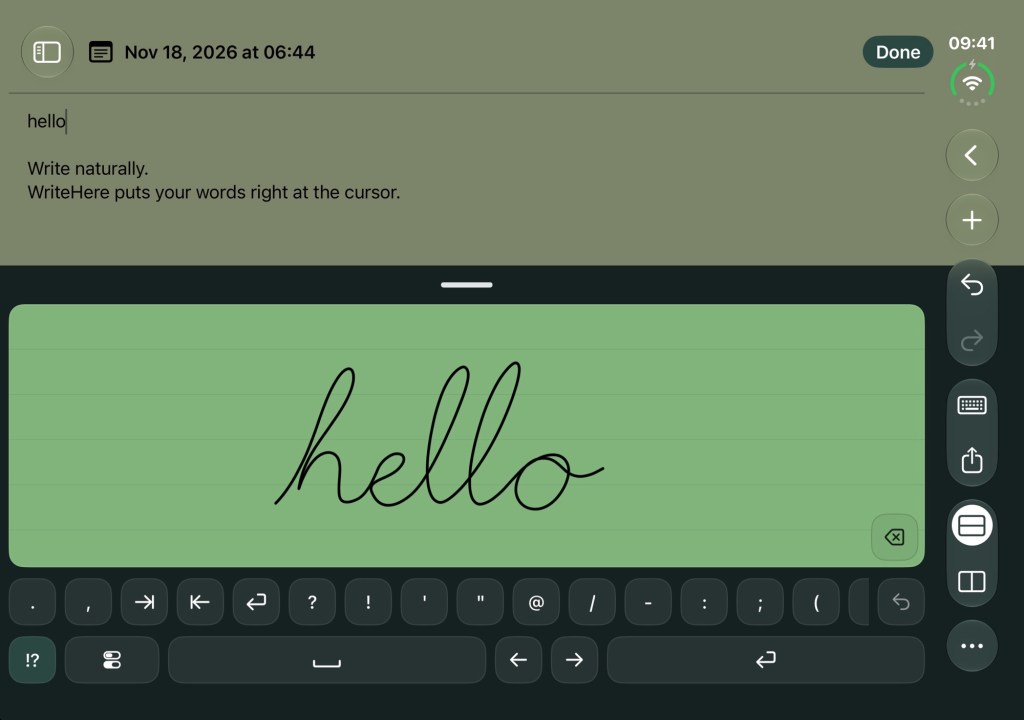
Now, three decades later, I’ve returned to the same basic idea with a new version of WriteHere for the iPhone and iPad devices running iOS and iPadOS 27.
WriteHere allows you to enter handwritten text using a dedicated app or a custom keyboard extension. Under the hood, it uses Apple’s Scribble for handwriting to text recognition. But unlike Scribble, WriteHere doesn’t require an Apple Pencil. You can use your finger or a capacitive stylus, too.
This means that if your Apple Pencil runs out of battery, you can switch to a capacitive stylus and keep writing. You don’t have to worry about pairing, charging, or whether your particular stylus is compatible with your device.
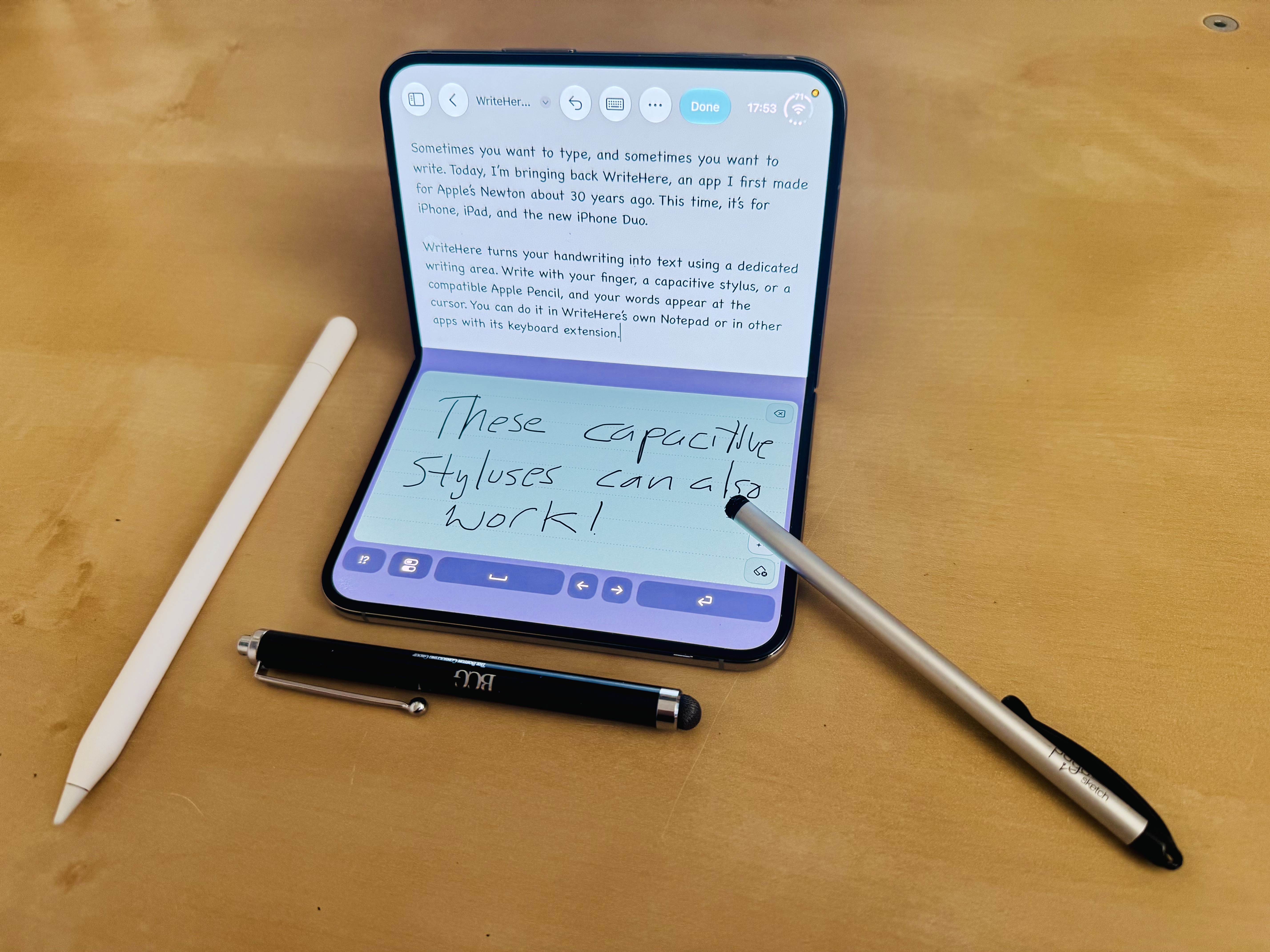
Of course, a passive capacitive stylus isn’t going to provide the same level of precision as an Apple Pencil. And writing with your finger isn’t necessarily the most comfortable experience. But having the option is better than not being able to write at all.
Try Out WriteHere
Scan the App Clip code below or visit this link to try WriteHere on your iPhone or iPad. Use an Apple Pencil, capacitive stylus, or even your finger to turn handwriting into text!
Like it? Get the full app for a one-time purchase. No subscriptions, ads, or tracking!
Eleven Years Later
The Apple Pencil has come a long way since its introduction in 2015. In addition to pressure sensitivity and tilt detection, we now have hover, magnetic charging, barrel roll, and haptic feedback. It’s a wonderful tool for drawing, writing, and interacting with the iPad and iPhone Duo.
What bums me out is that some of the Apple Pencils I’ve purchased over the years don’t work with current devices. And the ones that do have no guarantee they will for future devices. Eventually, when I retire the iPads that support them, those perfectly functional Pencils will go into the drawer or be recycled.
That’s the trade-off with the Apple Pencil compared to a simple capacitive stylus. You gain all these great features, but you lose universal compatibility. A capacitive stylus I bought fifteen years ago can still work with today’s touchscreens, and I bet it will continue to work fifteen years from now.
It’s much like AirPods versus wired EarPods. AirPods are incredibly convenient, but their batteries will eventually wear out. Wired EarPods don’t need batteries and can last for decades if treated well.
Let’s hope that the technical foundation laid by the Apple Pencil Pro and Apple Pencil (USB-C) means that these compatibility growing pains are finally behind us.
Until then, keep calm and carry on handwriting!




Leave a Reply